Photo effects
Explore the results, then open an effect to try it on your own image. Every tool is free and runs in your browser.
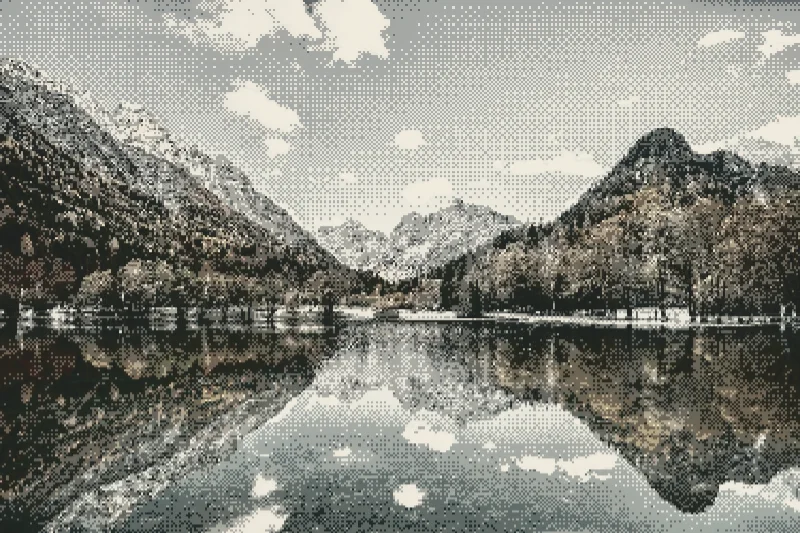
Ordered dithering
Convert continuous tones into a repeating ordered dot pattern with a curated two-color palette.
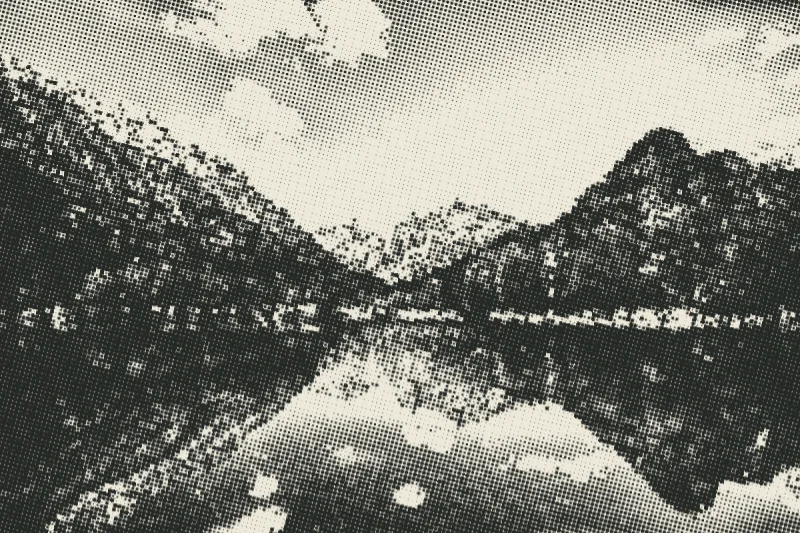
Newspaper halftone
Recreate newspaper shading with a regular screen of ink dots that change size with image brightness.
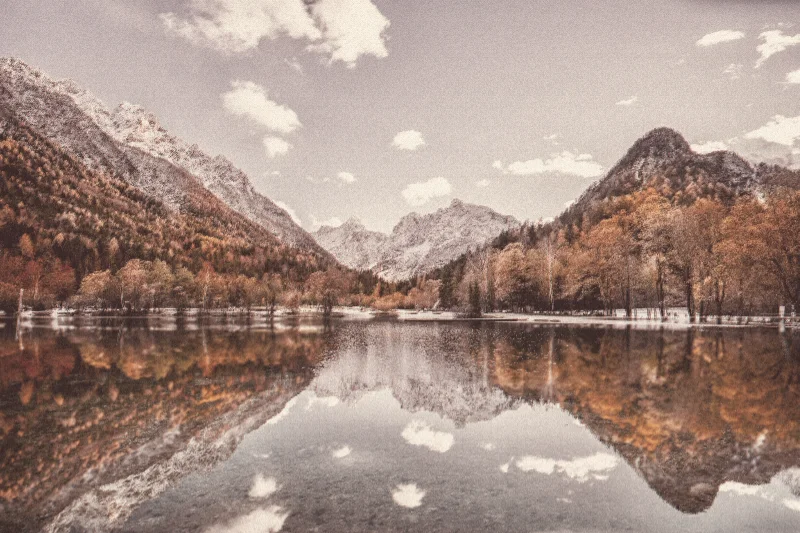
Risograph
Give a photo a layered ink treatment with paper grain and deliberately offset color channels.
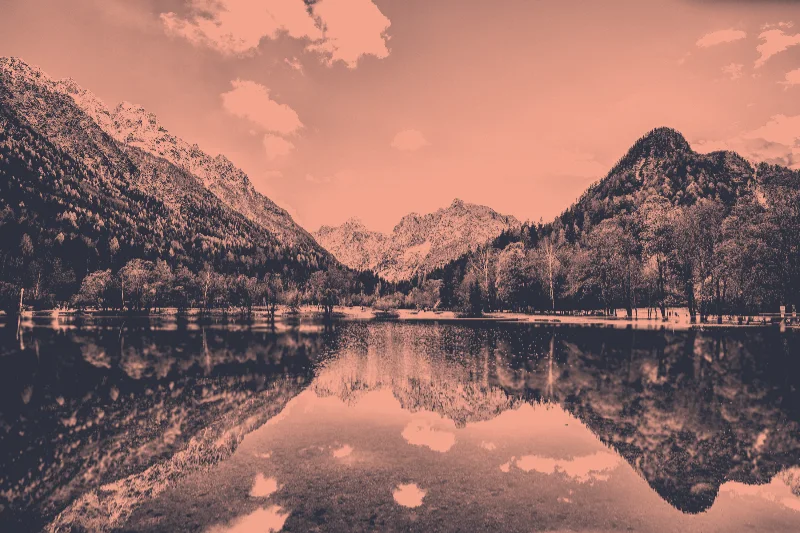
Duotone
Map the shadows and highlights of a photo to two coordinated colors, with adjustable contrast and blending.
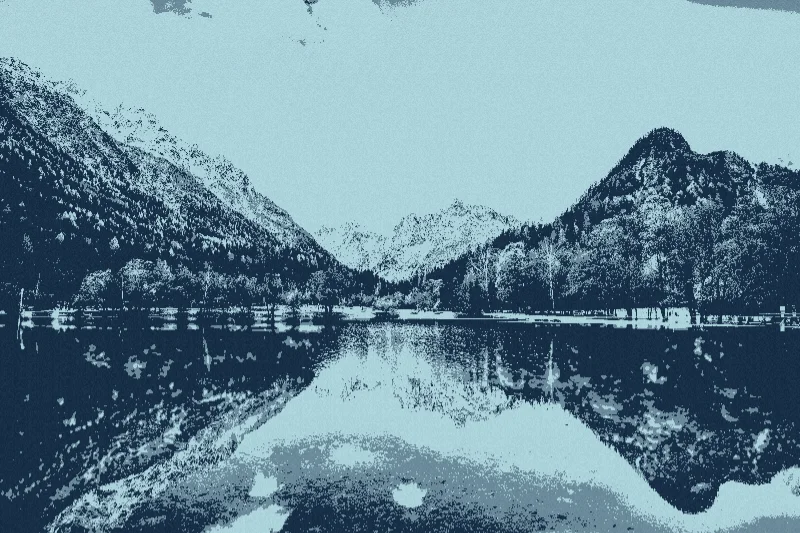
Screen print
Reduce a photograph to bold ink separations and a patterned screen-print finish.
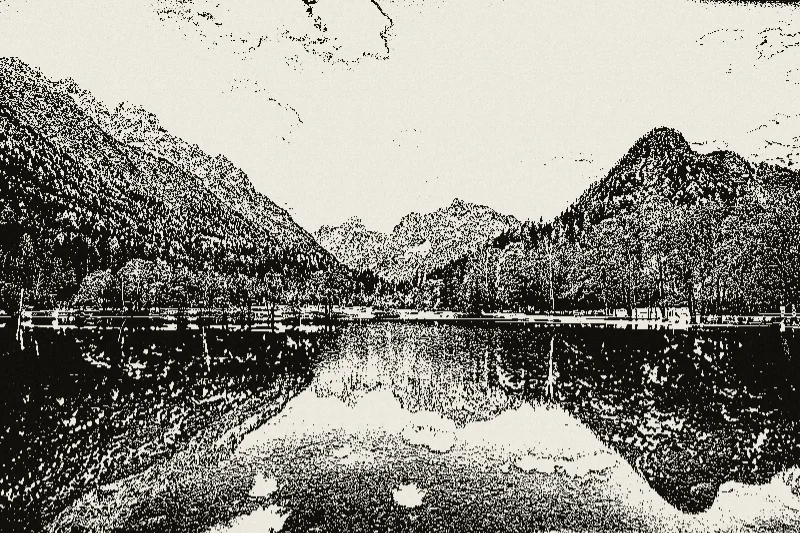
Photocopy
Create a degraded copier look using sharp tonal thresholds, toner texture, and enhanced local detail.
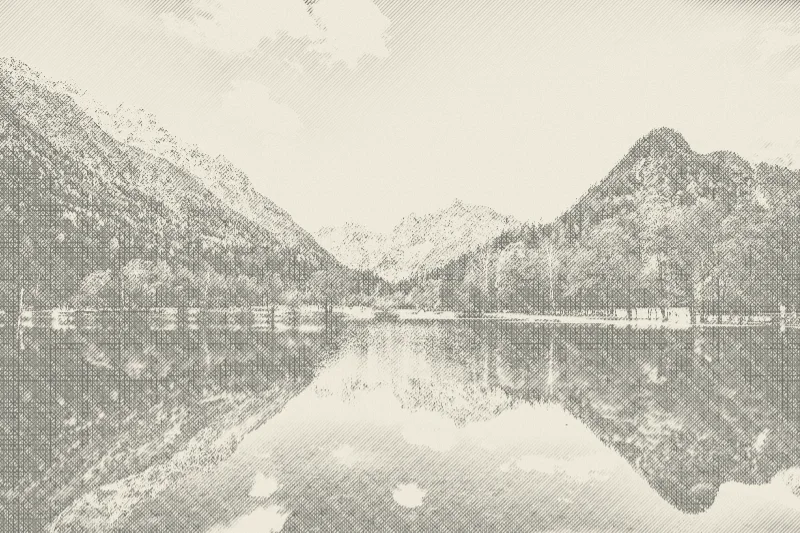
Crosshatching
Shade a photograph with intersecting lines that become denser in darker regions.
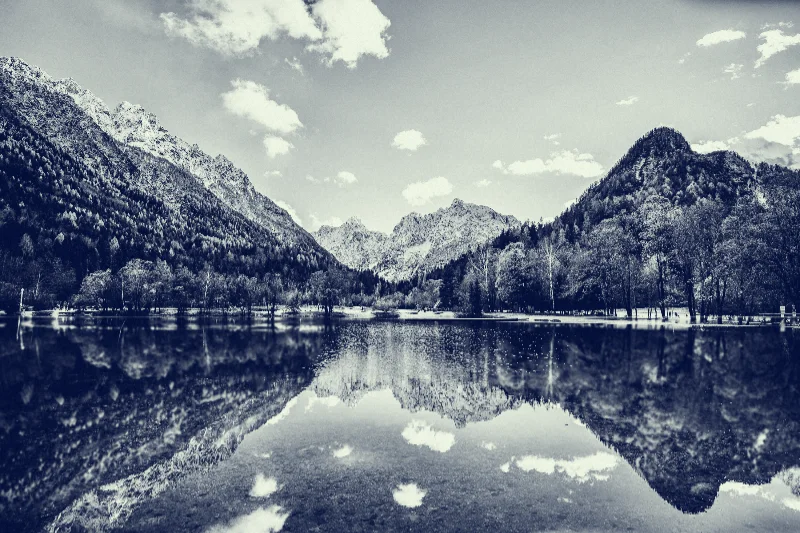
Cyanotype
Turn a photo into deep blue shadows and pale paper-like highlights inspired by cyanotype prints.
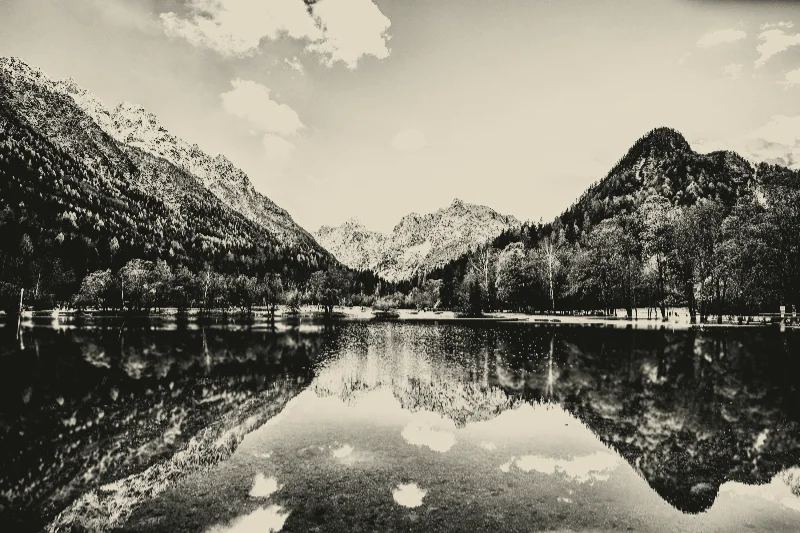
Platinum
Create a restrained monochrome print with warm paper highlights and slightly green-gray shadows.
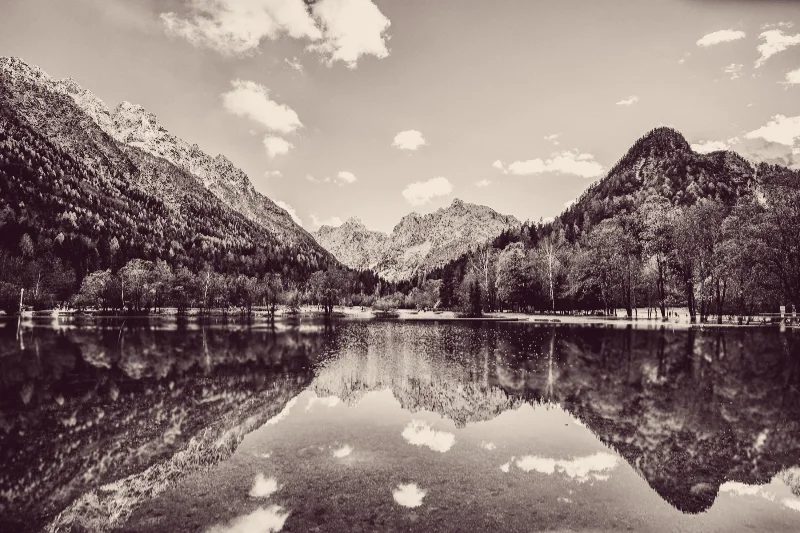
Selenium
Tone a monochrome image with muted reddish-purple shadows and warm highlights.
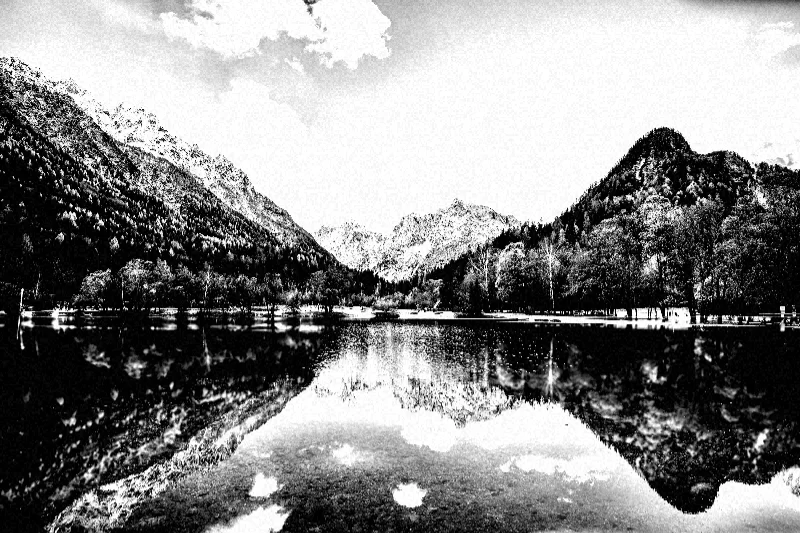
Silver gelatin
Combine a contrasty black-and-white conversion with a visible grain pattern.
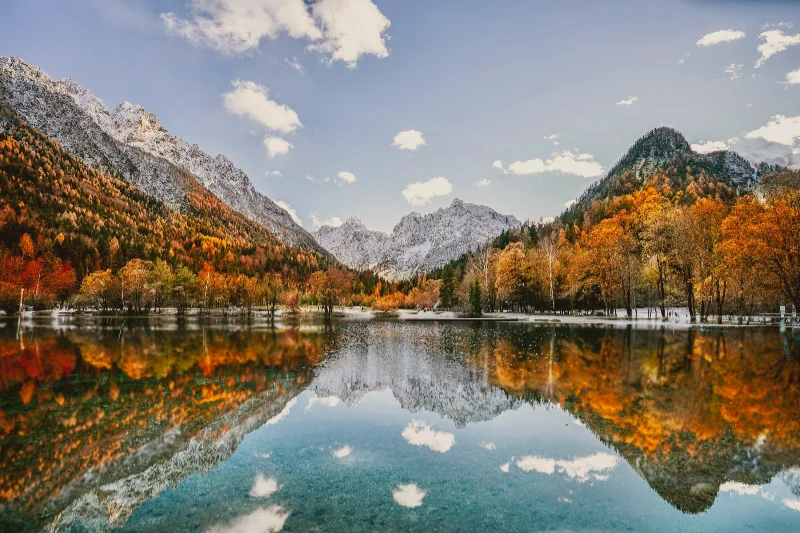
Polaroid
Give an image an instant-film-inspired color response with warm lifted tones and adjustable fade.
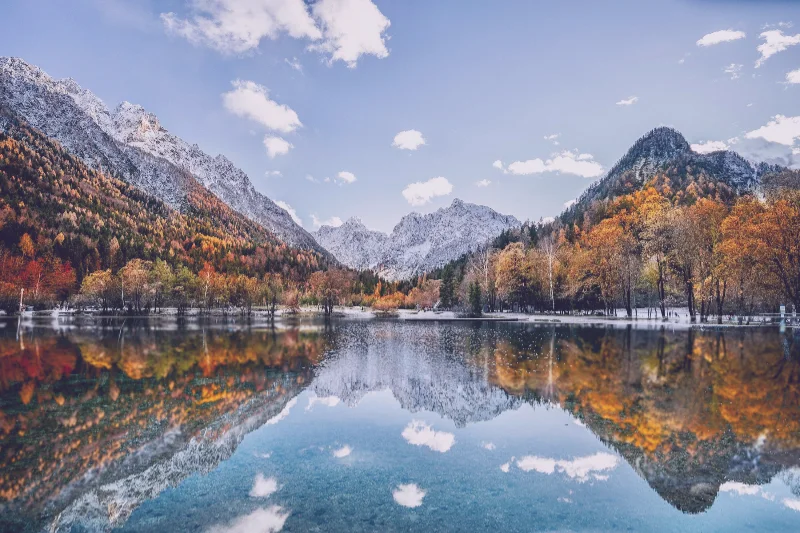
Instant fade
Lift the darkest tones and soften color contrast with a slightly cool, faded instant-film treatment.
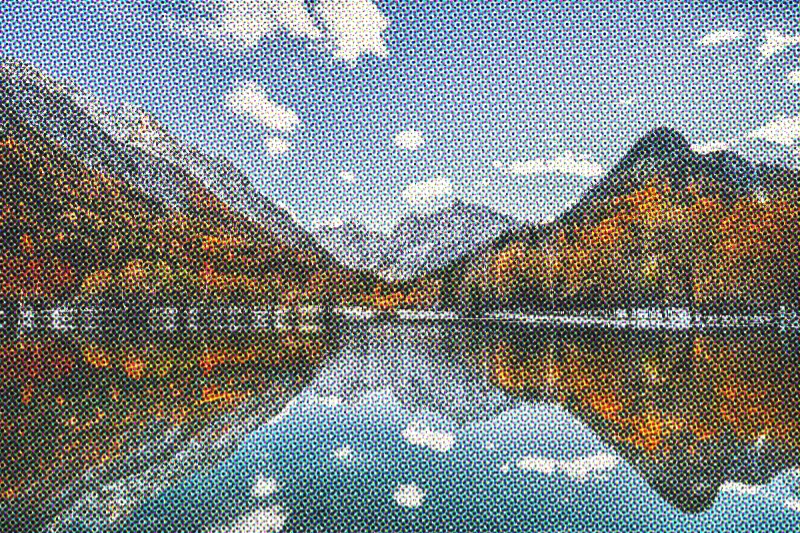
CMYK dots
Build a color halftone from separately angled cyan, magenta, yellow, and black dot screens.
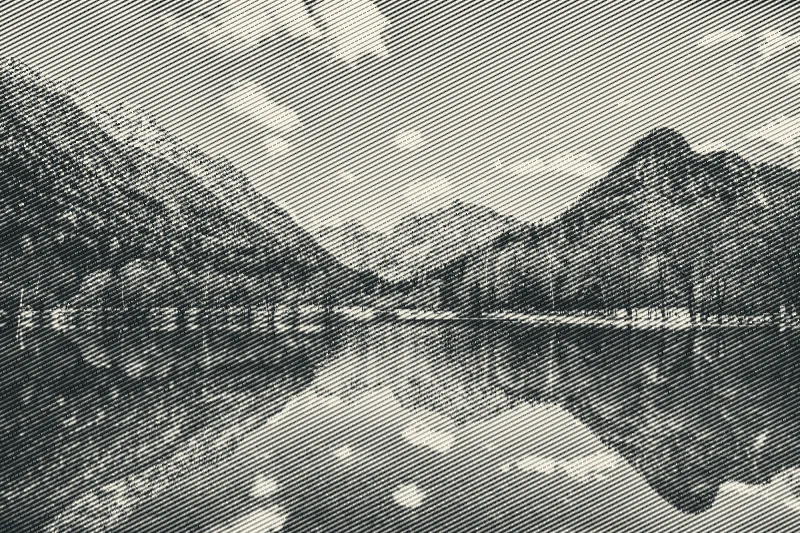
Line screen
Render light and shade with parallel ink lines whose widths respond to image brightness.
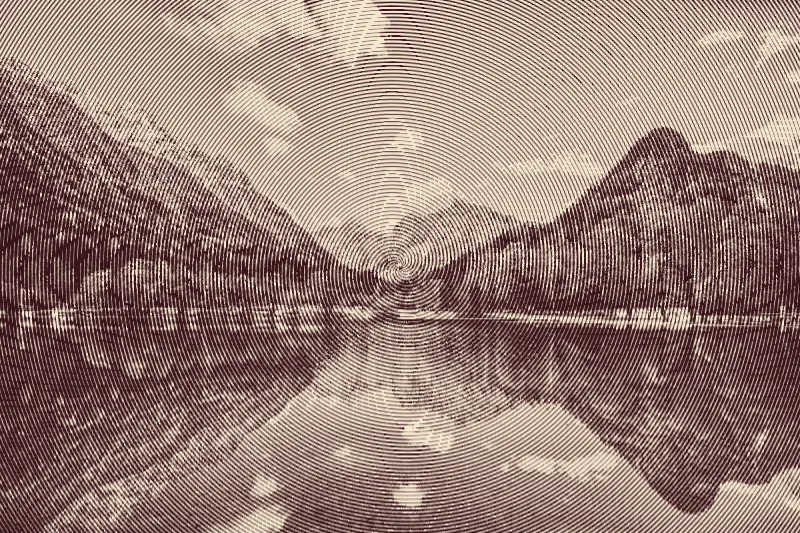
Spiral screen
Encode image shading in a spiral ink pattern centered on the photograph.
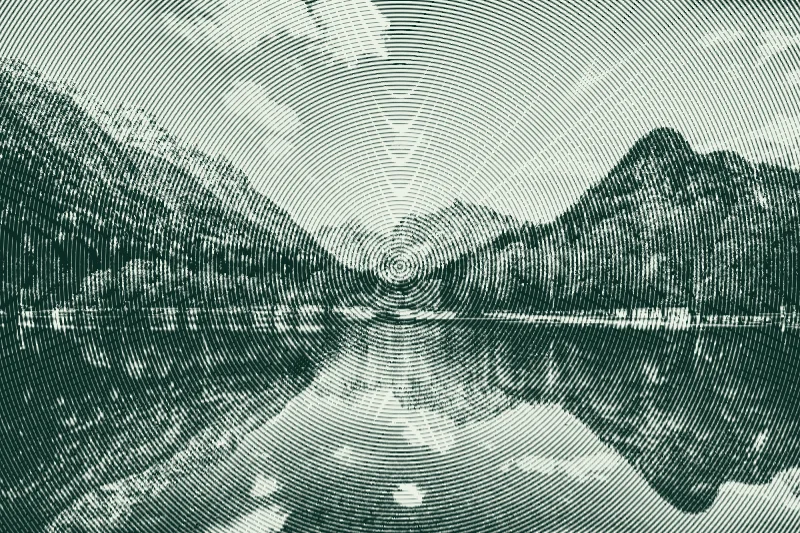
Concentric ink
Translate a photo into rings of dark green ink on pale paper.
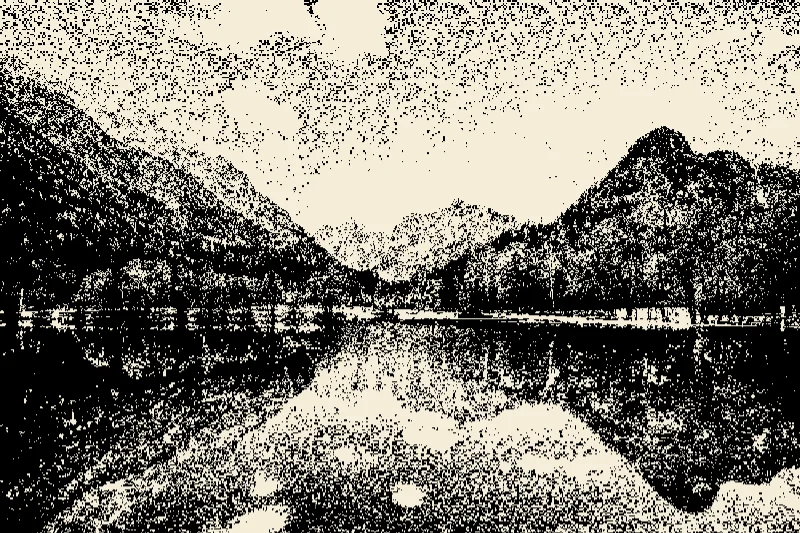
Mezzotint
Create a granular monochrome print from a deterministic random threshold pattern.
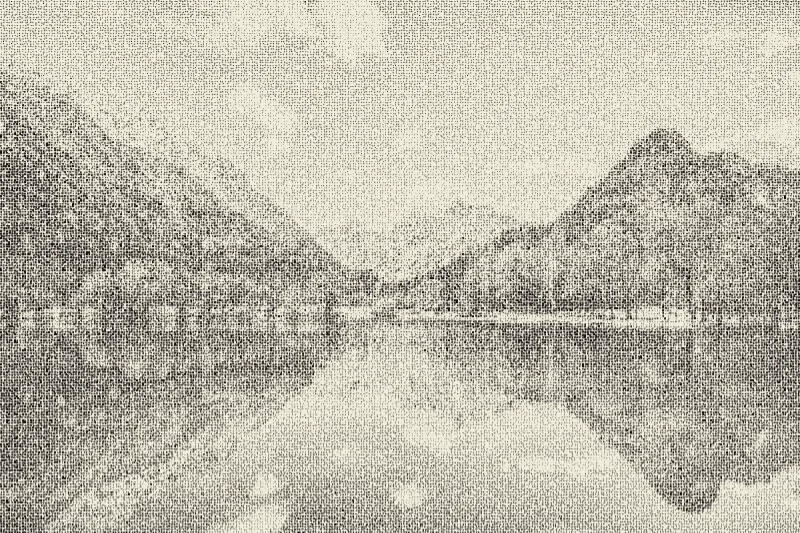
Stippling
Reconstruct a photograph with scattered dark dots on a warm paper background.
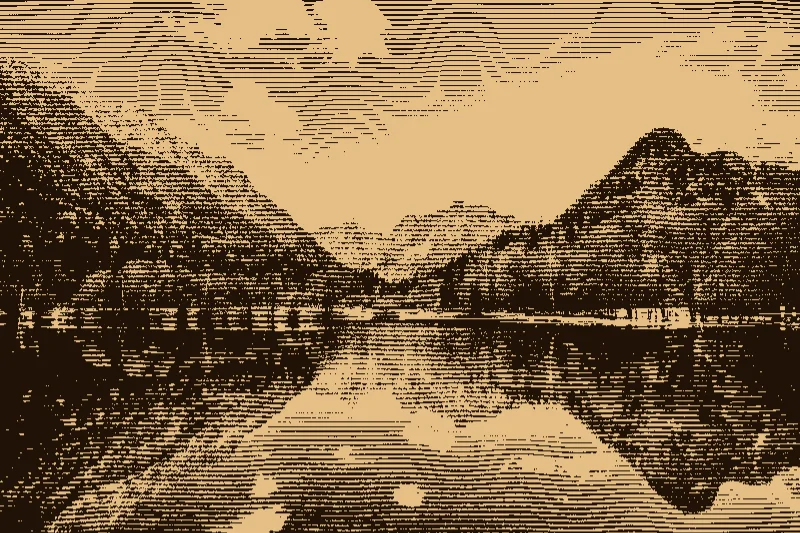
Woodcut
Reduce a photo into dark cuts and warm paper tones with an irregular wood-grain pattern.
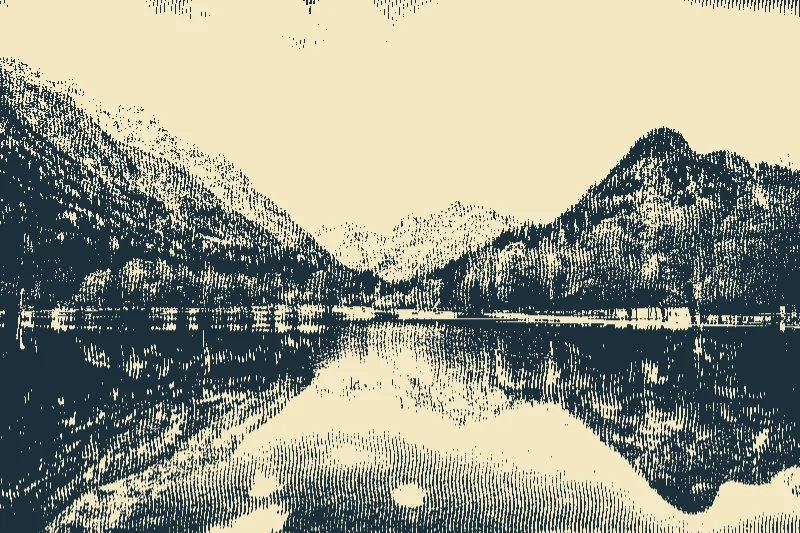
Linocut
Create a two-tone carved-print treatment with curved cut marks and solid dark ink areas.
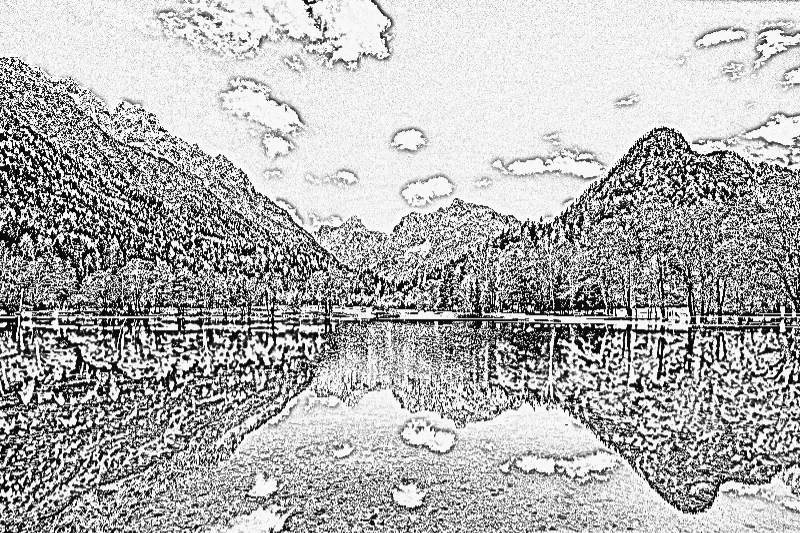
Pencil sketch
Extract local image detail into pale paper and graphite-like lines for a pencil sketch effect.
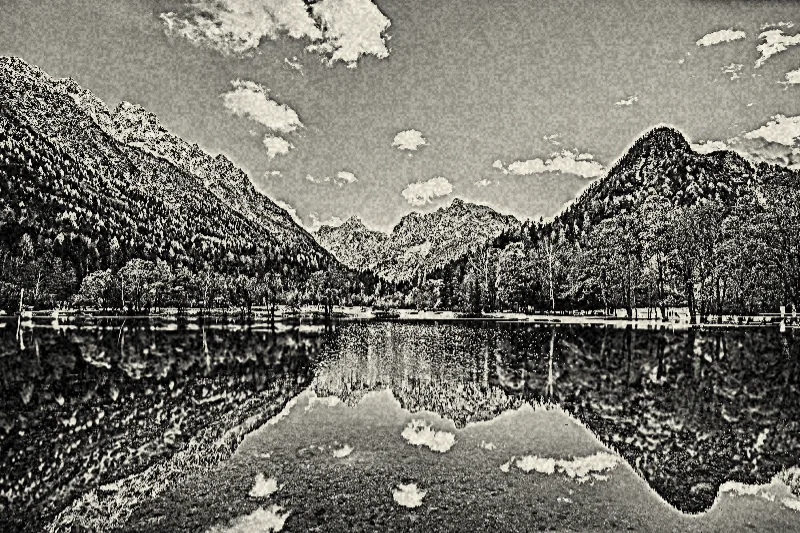
Charcoal
Combine dark tonal shading with a rough surface texture for a charcoal-drawing-inspired image.
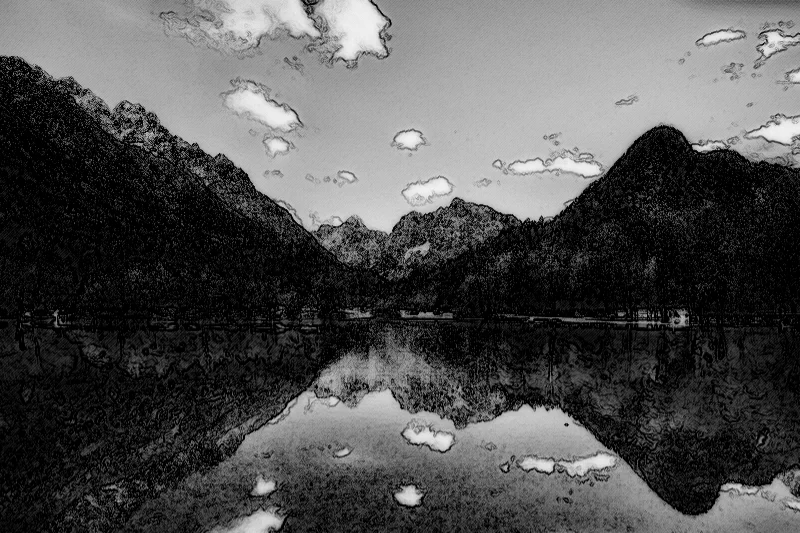
Graphite
Combine grayscale shading, edge definition, and diagonal hatching for a graphite illustration.
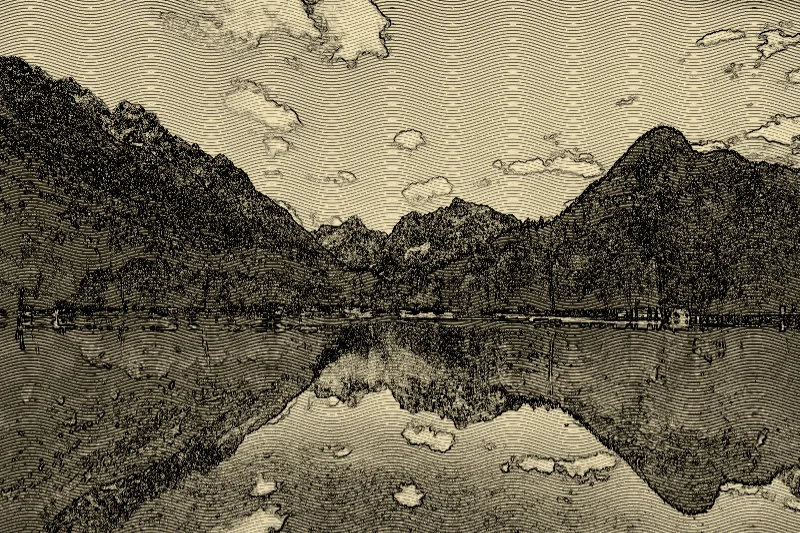
Engraving
Render a photo as curved engraved lines with darkened contours on warm paper.
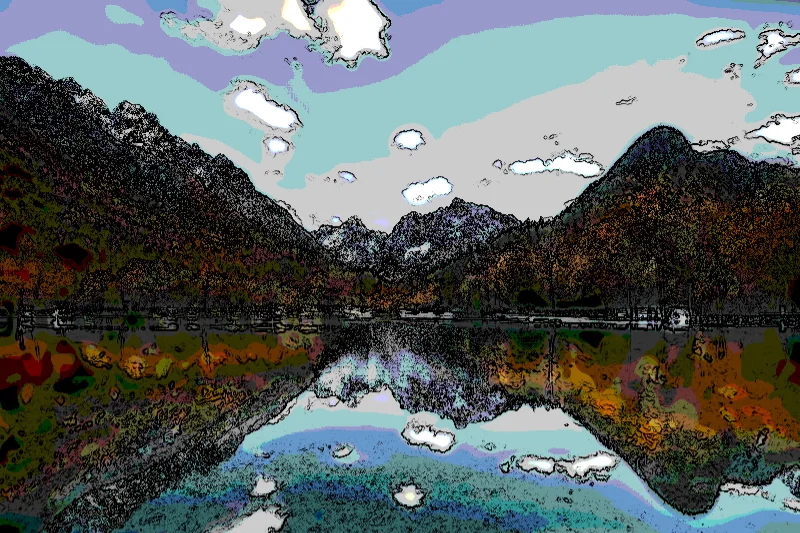
Comic ink
Simplify color regions and emphasize dark contours to create a comic-ink treatment.
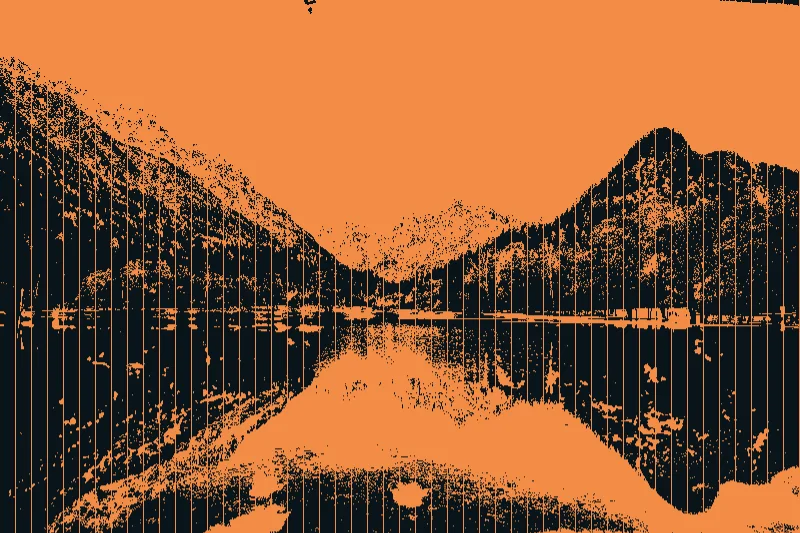
Stencil
Reduce an image to a high-contrast stencil with regular vertical bridge-like breaks.
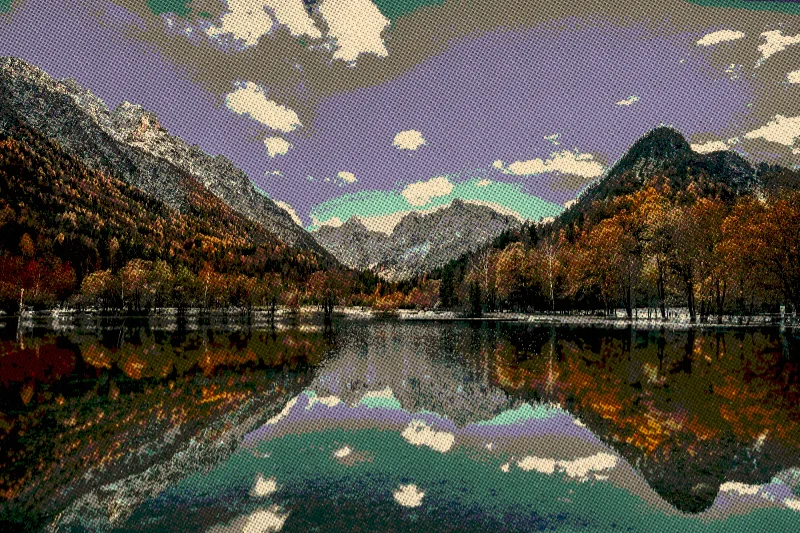
Color newsprint
Combine reduced colors, warm paper tint, halftone dots, and grain for aged color newsprint.
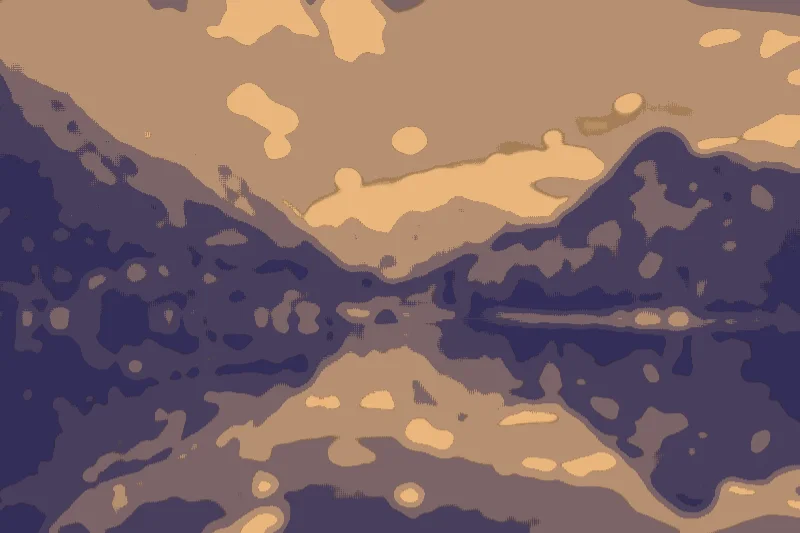
Paper cut
Map a photograph into stepped color layers with darker seams between paper-like regions.
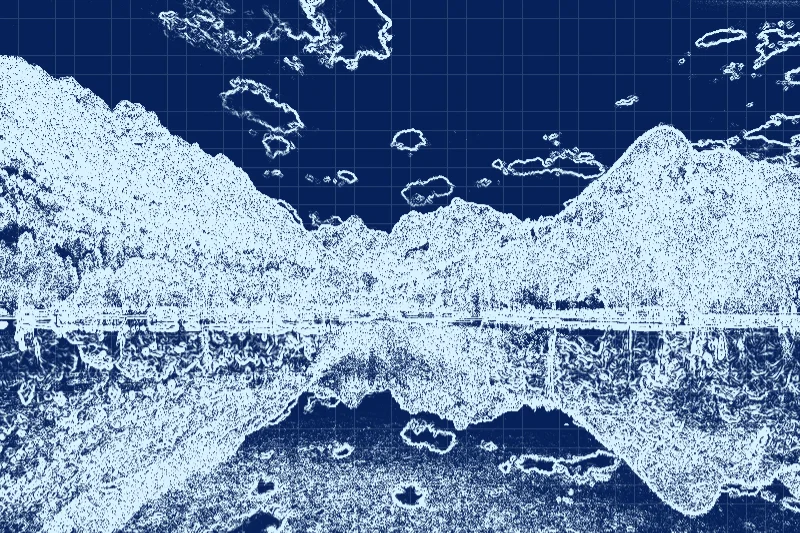
Blueprint
Extract bright contour lines over a blue drafting-style background and a subtle grid.
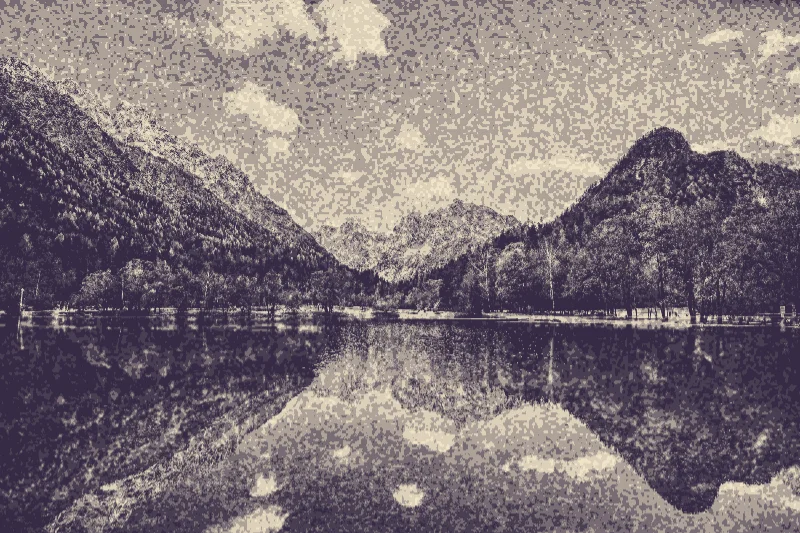
Lithograph
Apply muted ink tones and a grainy surface to create a lithographic-print-inspired image.
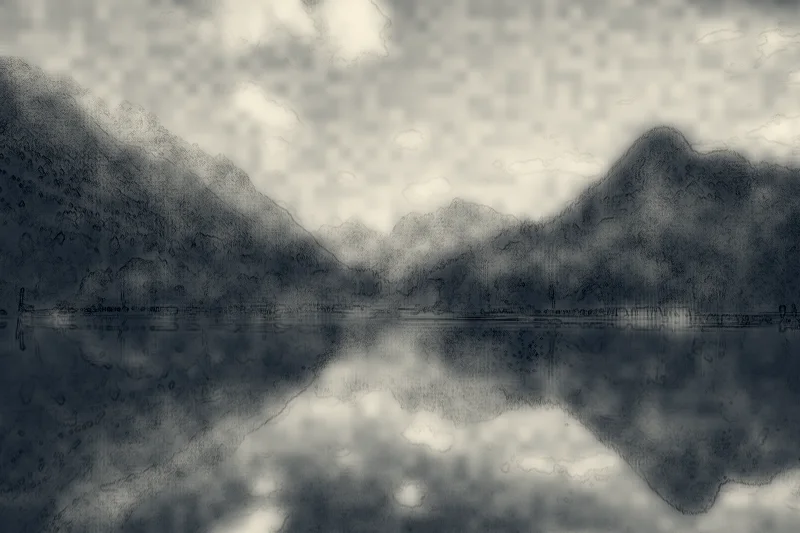
Ink wash
Soften image tones into blue-gray ink and warm paper with textured wash regions.
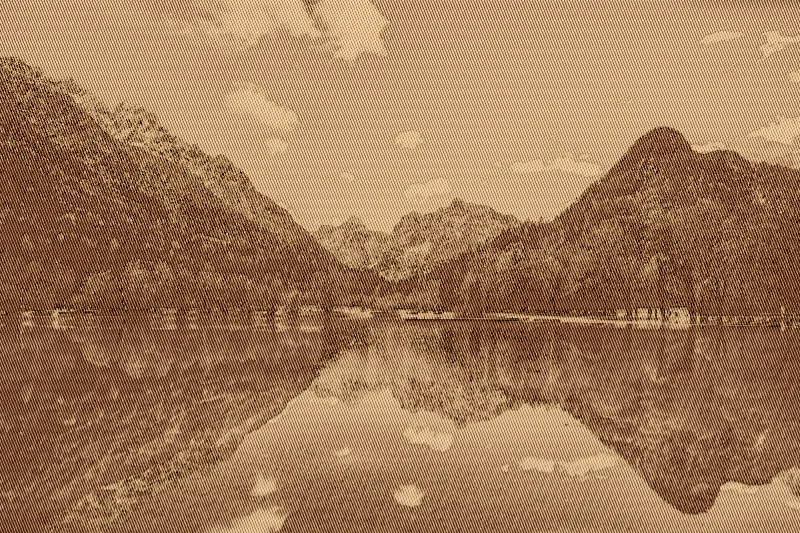
Copperplate
Draw image shading with diagonal copper-colored lines and etched edge detail.
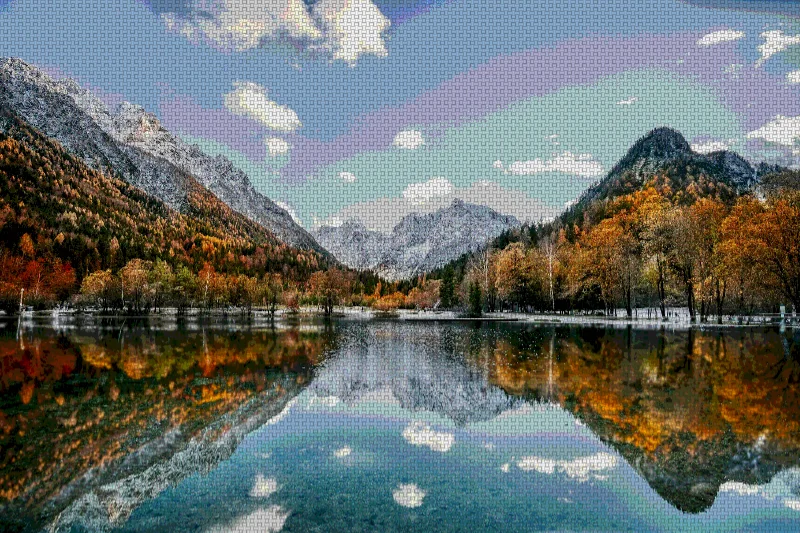
Woven fabric
Combine reduced image colors with alternating horizontal and vertical threads to suggest woven fabric.
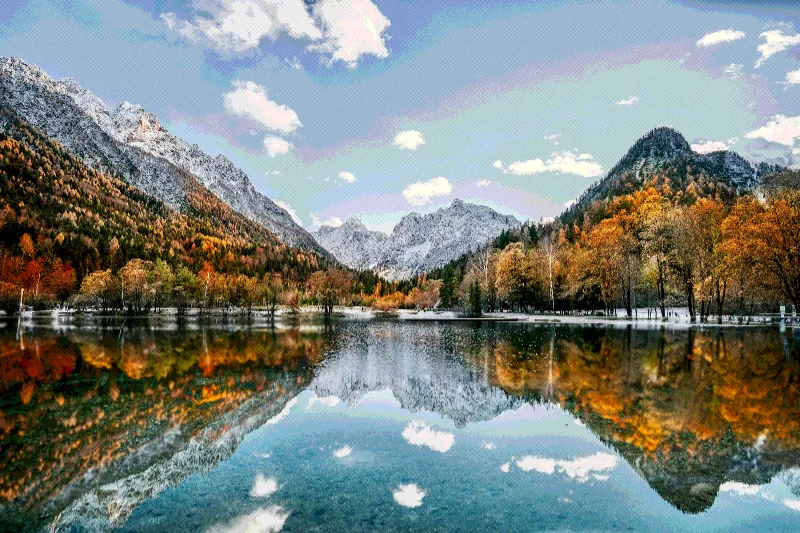
Painted canvas
Add a fine woven surface and slight color stepping for a painted-canvas-inspired photograph.
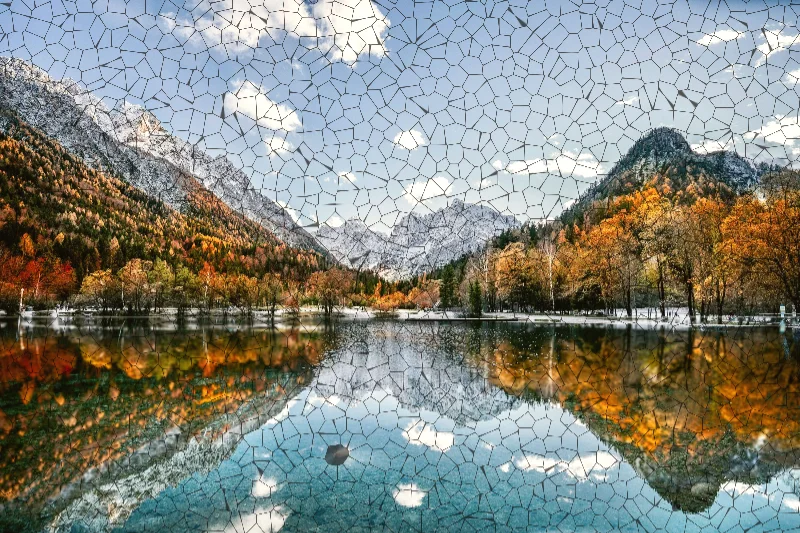
Crackle glaze
Overlay irregular dark cracks and a warm tint for a crackled-glaze surface.
Digital
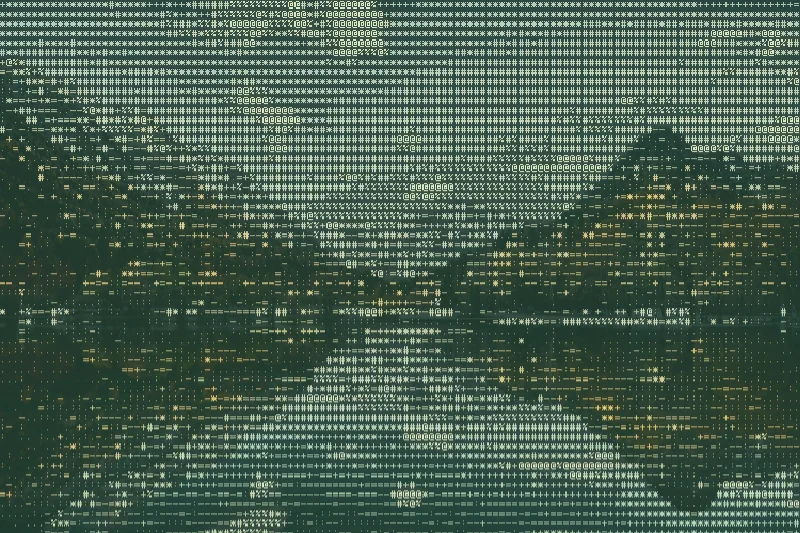
ASCII
Rebuild image brightness with a grid of character-shaped marks and a selectable color palette.
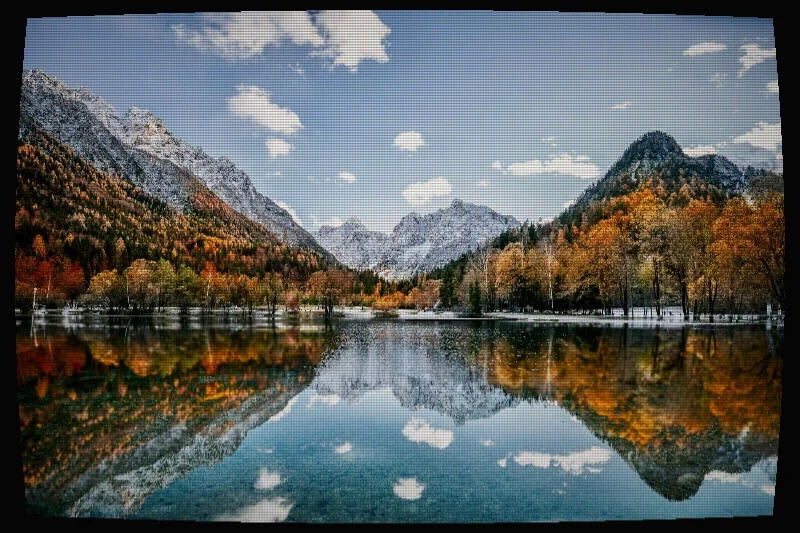
CRT
Simulate an old screen with phosphor color, scanlines, and curved display geometry.
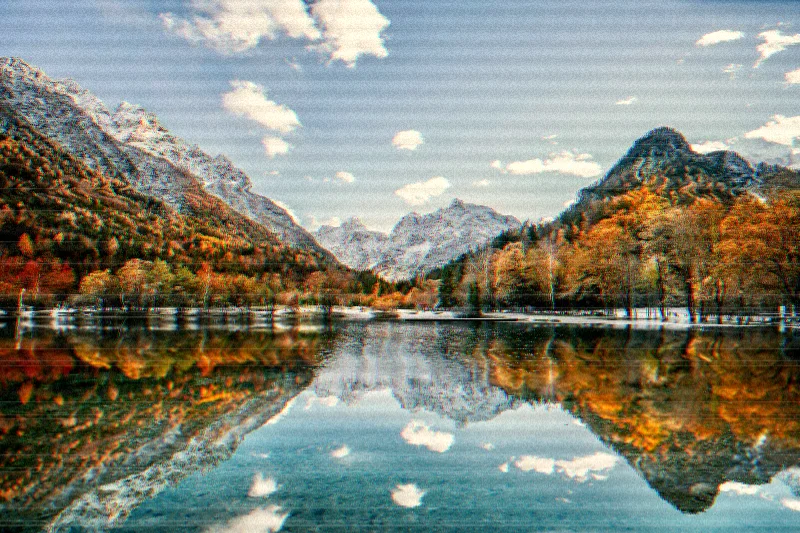
VHS
Add analog-tape-inspired color distortion, noise, and horizontal tracking damage to a still photo.
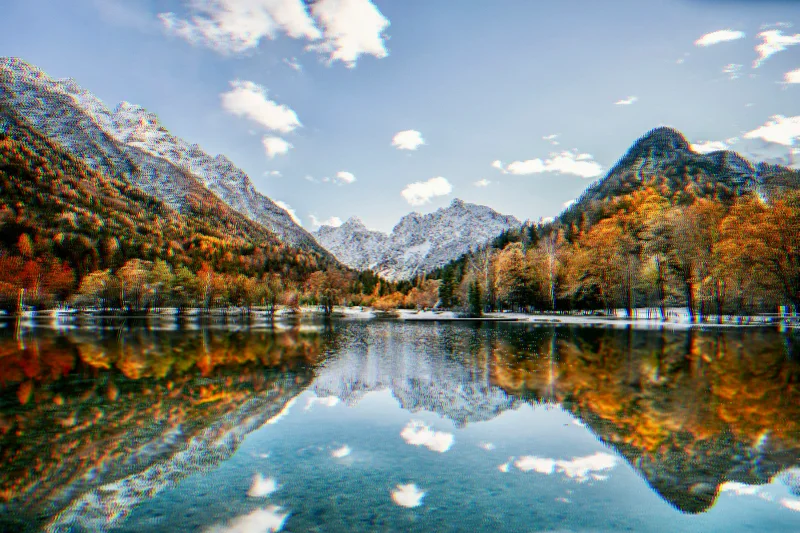
Chromatic aberration
Separate color channels along a chosen direction to create chromatic fringing around image edges.
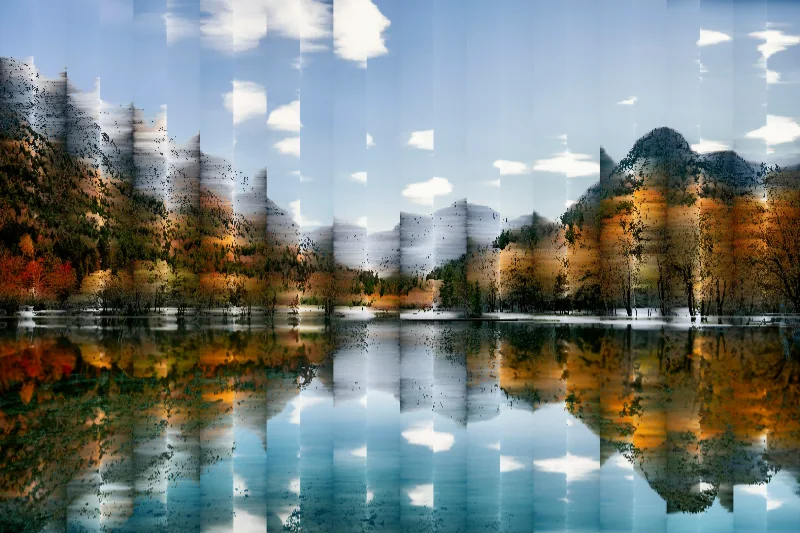
Pixel sorting
Sort bounded rows or columns of image samples by brightness to create streaks and blocks of rearranged color.
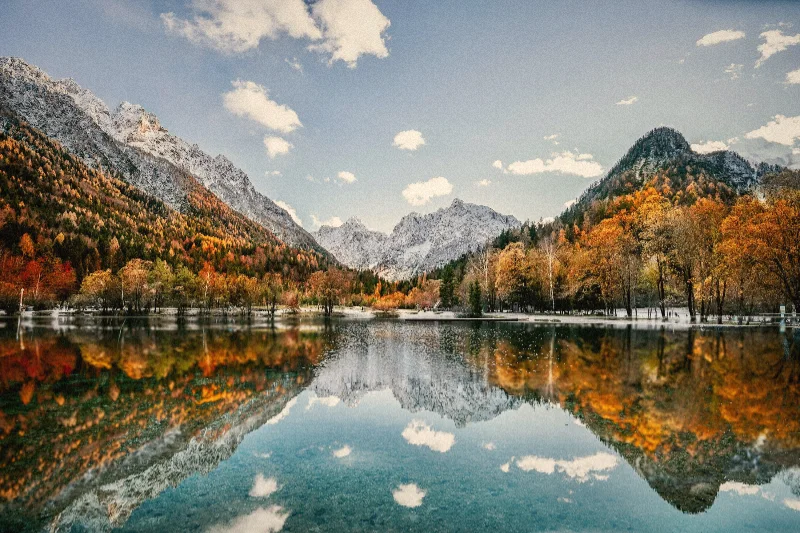
Film grain and fade
Warm a photograph, add deterministic grain, and lift the shadows for a faded film-inspired finish.
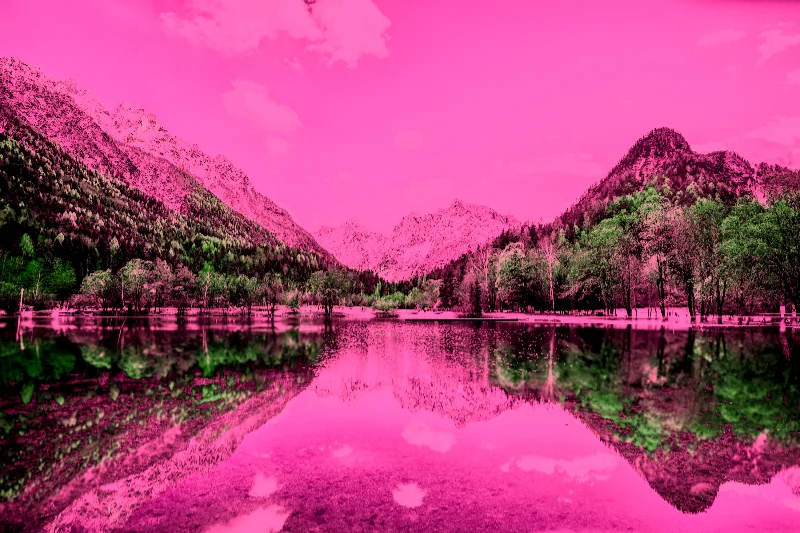
Infrared-inspired false color
Remap ordinary image colors into an infrared-inspired false-color photograph with adjustable hue and contrast.
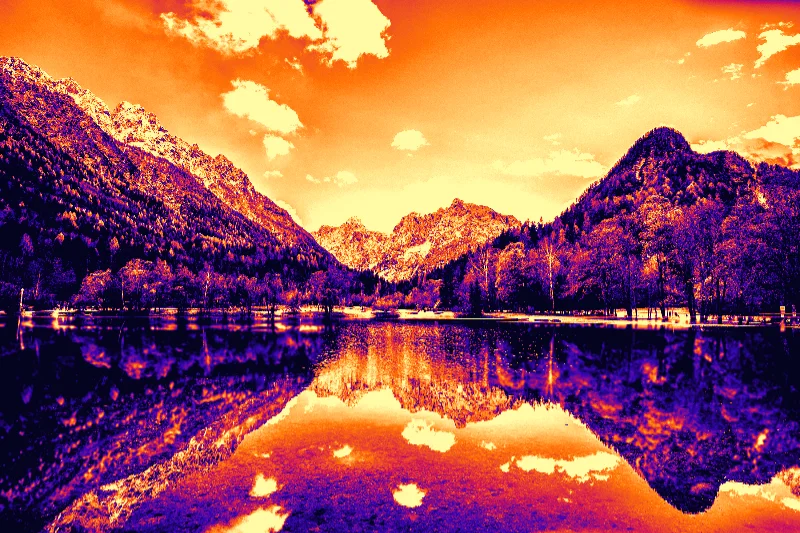
Thermal
Map visible brightness into a heat-map-style palette, including Heat map, Lava, and Arctic options.
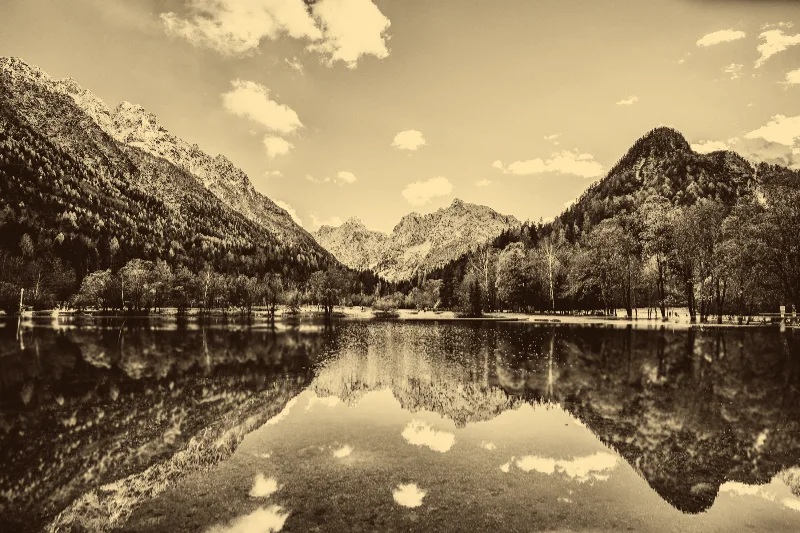
Sepia
Translate image luminance into warm brown shadows and cream highlights for a sepia photograph.
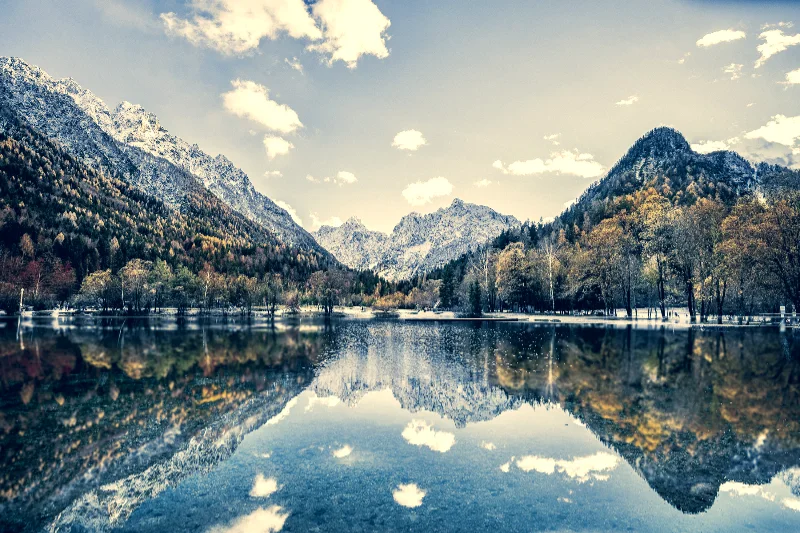
Split tone
Color shadows and highlights differently while retaining part of the photograph's original color.
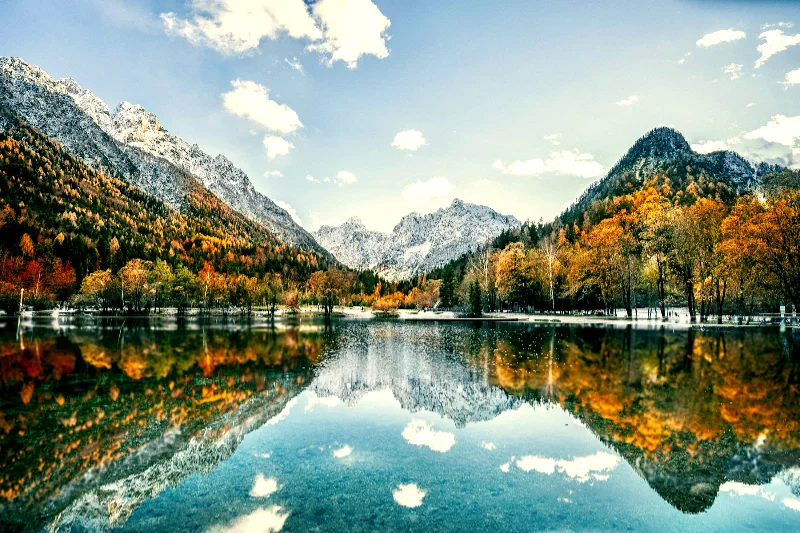
Teal & orange
Push darker tones toward teal and brighter tones toward orange for a cinematic color contrast.
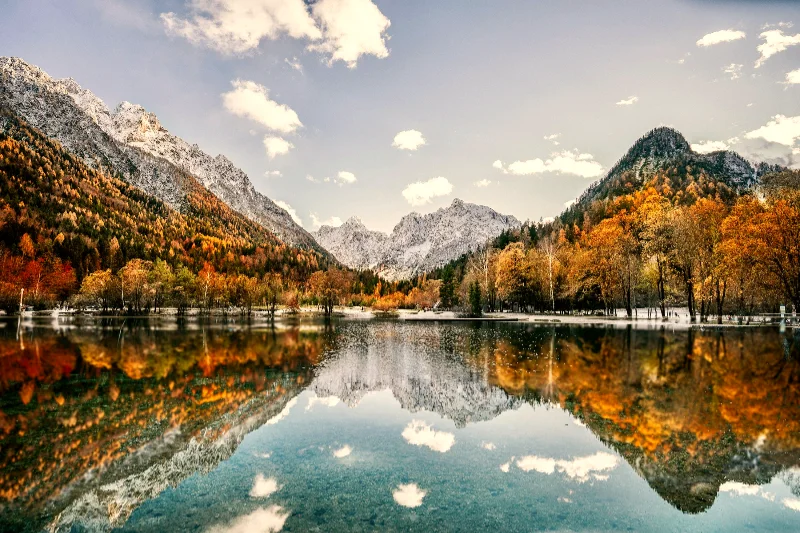
Golden hour
Warm a photo's highlights and adjust its color response to suggest late-afternoon light.
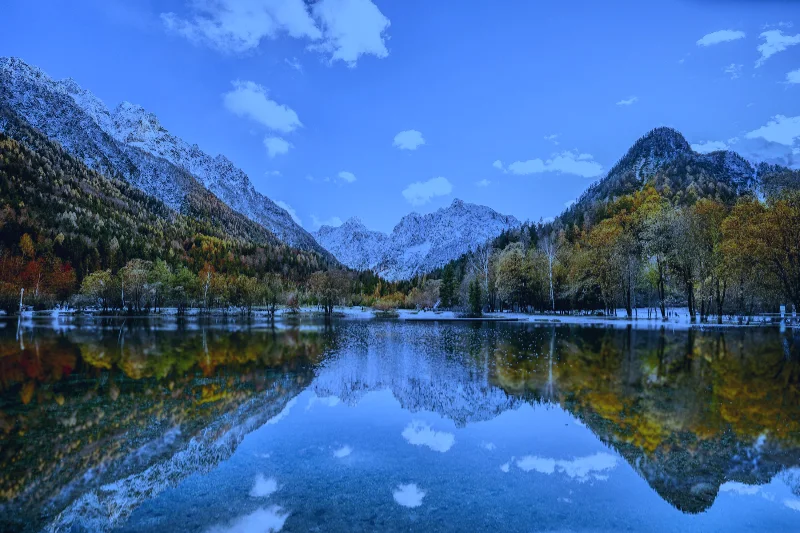
Moonlight
Cool and darken a photo with blue-toned shadows for a moonlit atmosphere.
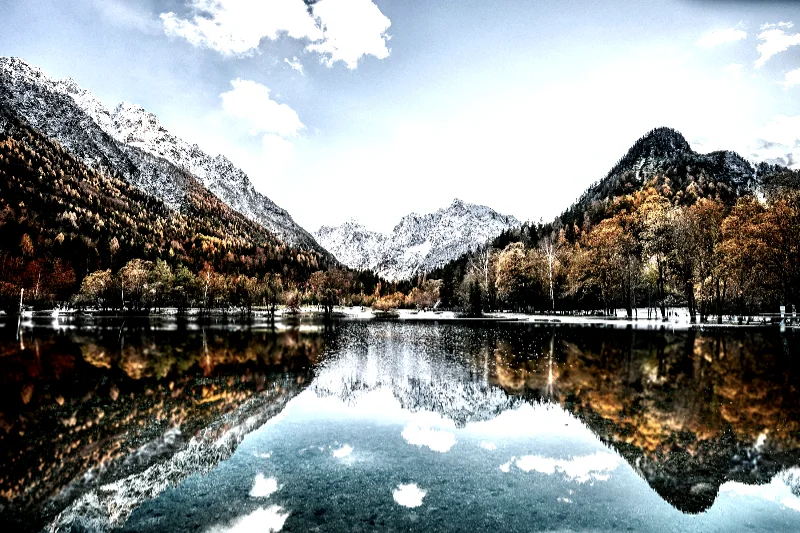
Bleach bypass
Desaturate a photograph and deepen its contrast for a bleach-bypass-inspired look.
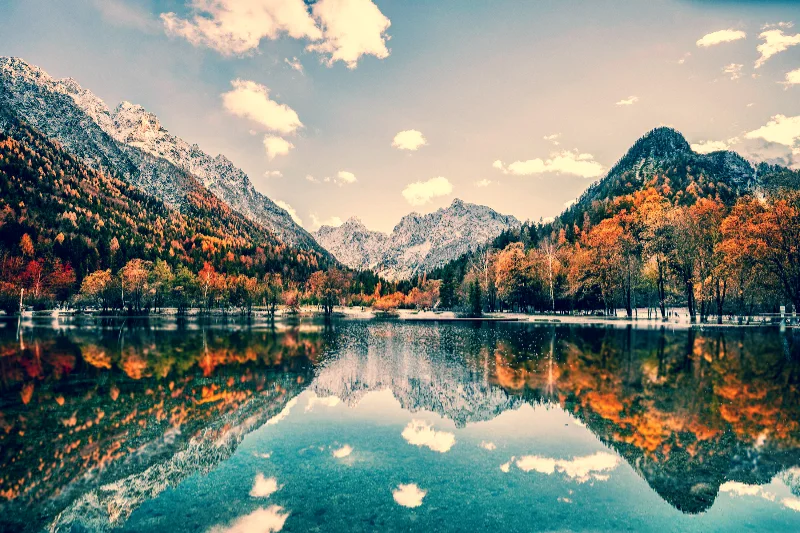
Cross process
Apply different curves to the red, green, and blue channels for a cross-processed film look.
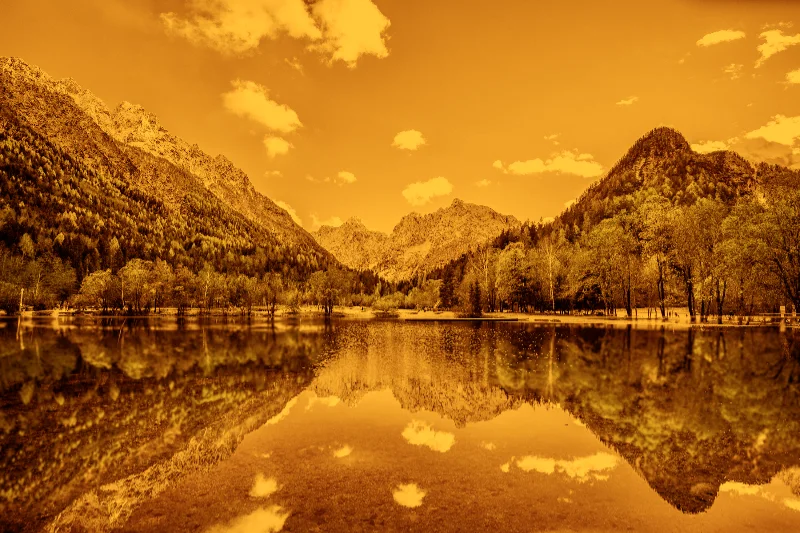
Redscale
Rebuild image tones around red, orange, and yellow for a redscale-film-inspired photograph.
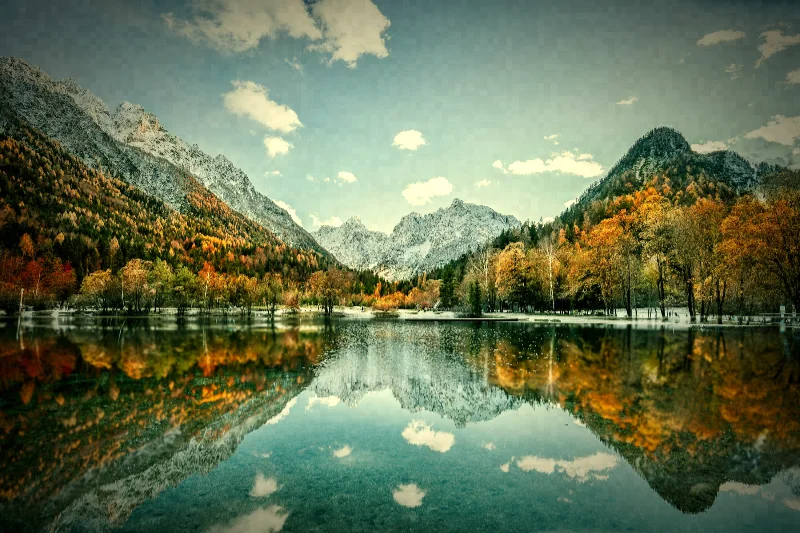
Lomography
Combine shifted color, grain, and darkened corners for a compact-camera-inspired look.
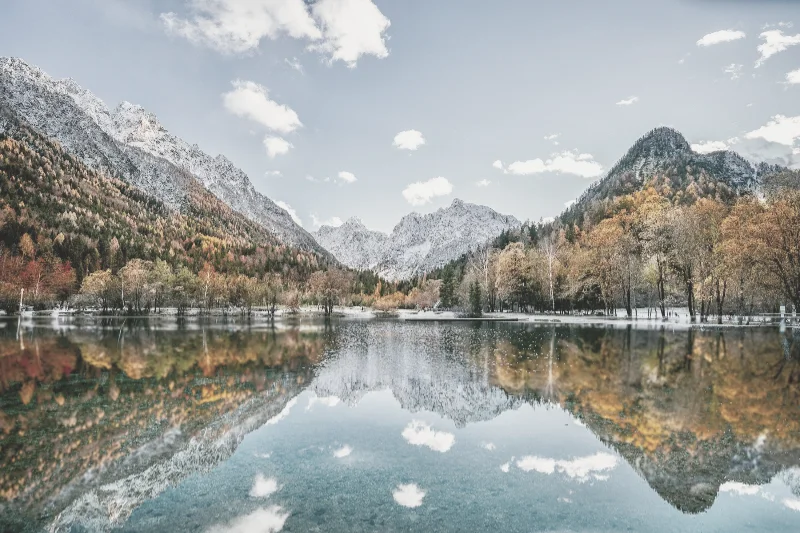
Pastel
Lighten and desaturate colors into a soft pastel photographic palette.
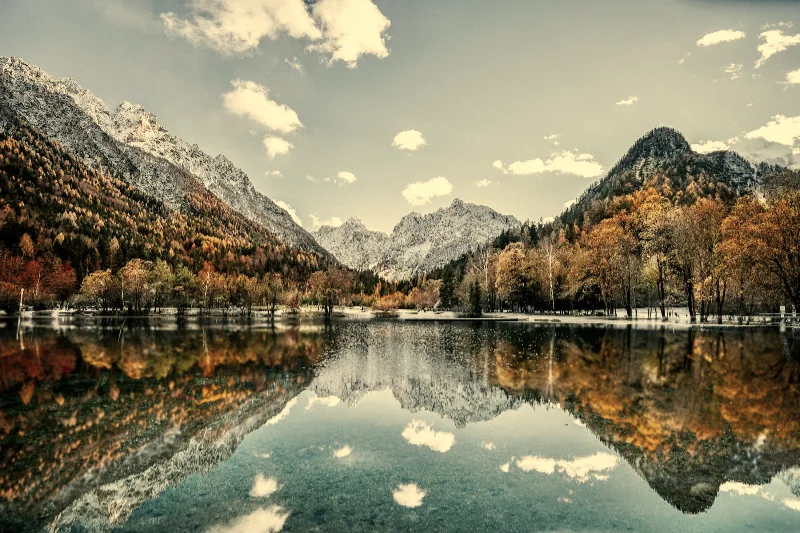
Muted earth
Reduce saturation and bias a photograph toward warm, subdued earth colors.
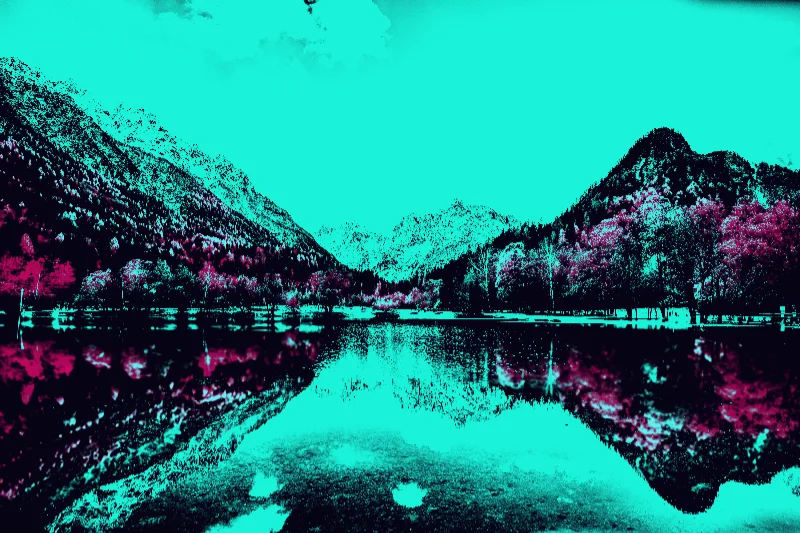
Neon noir
Map a dark image into cyan light, purple shadows, and selective magenta accents.
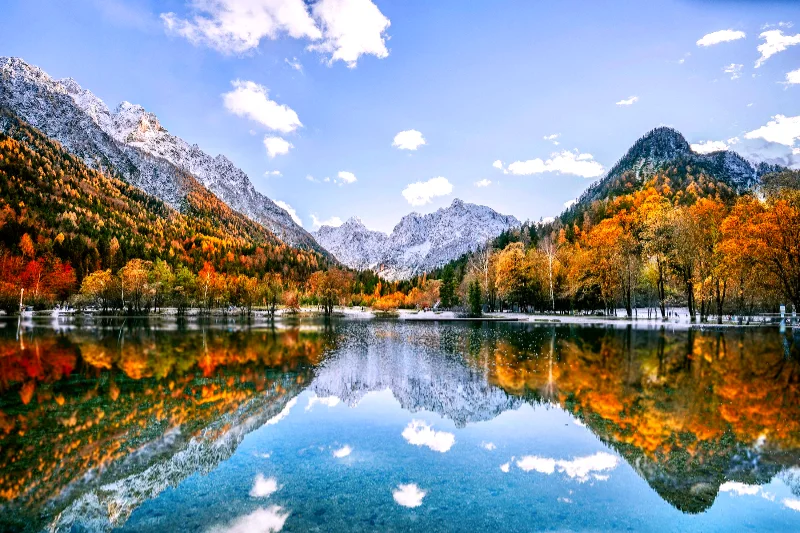
Technicolor
Increase color separation and saturation through a stylized three-channel color treatment.
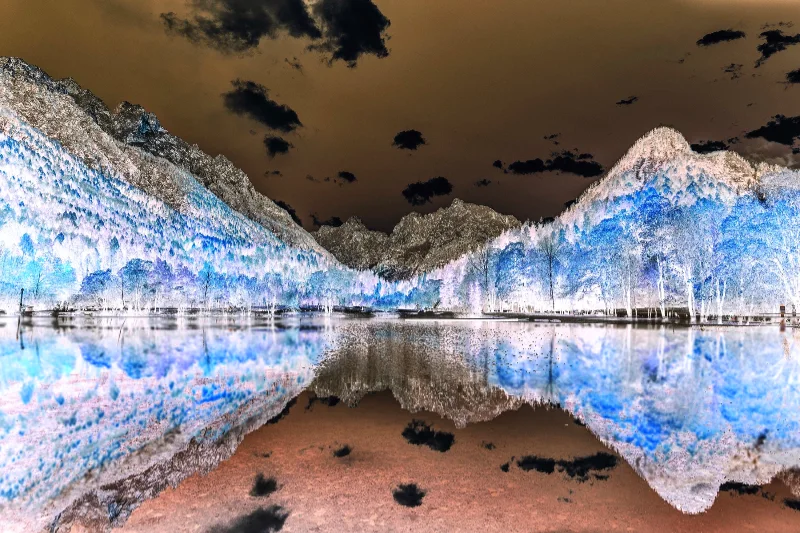
Color negative
Invert image colors and adjust their tonal curve to produce a photographic negative effect.
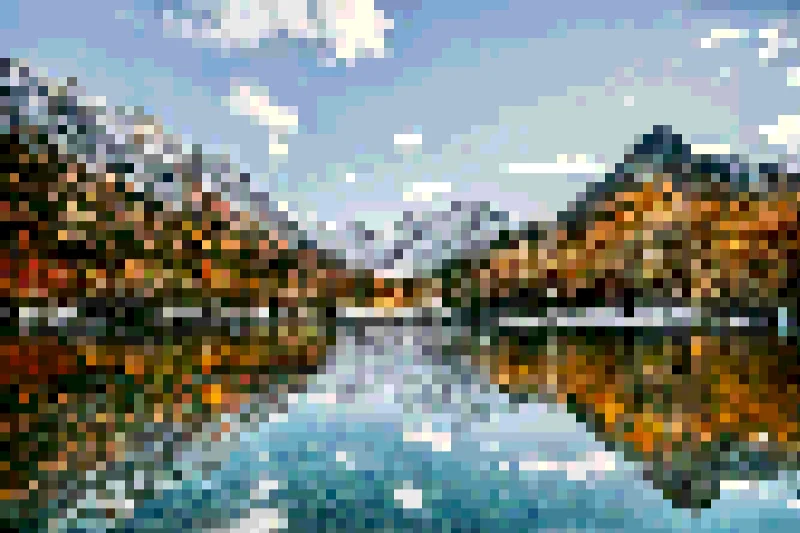
Pixelate
Sample the image into square blocks and reduce the number of color levels.
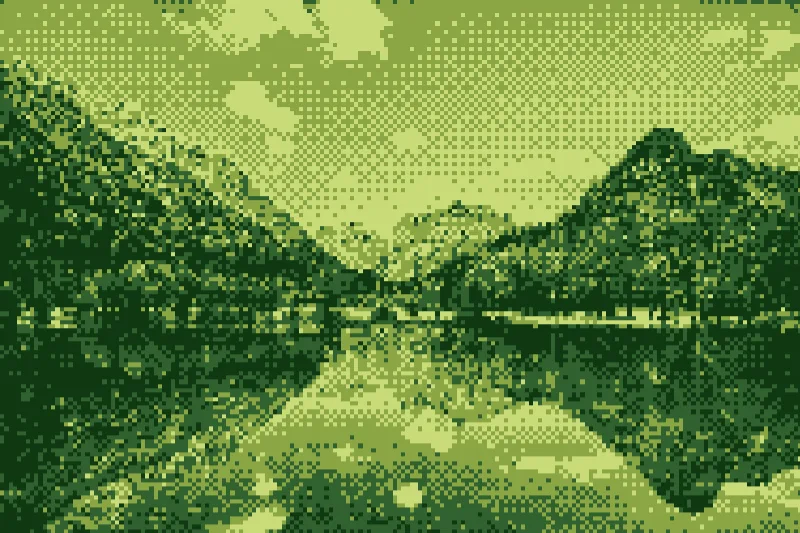
Game Boy
Convert a photograph into four green tones with a pixel grid and ordered dithering.
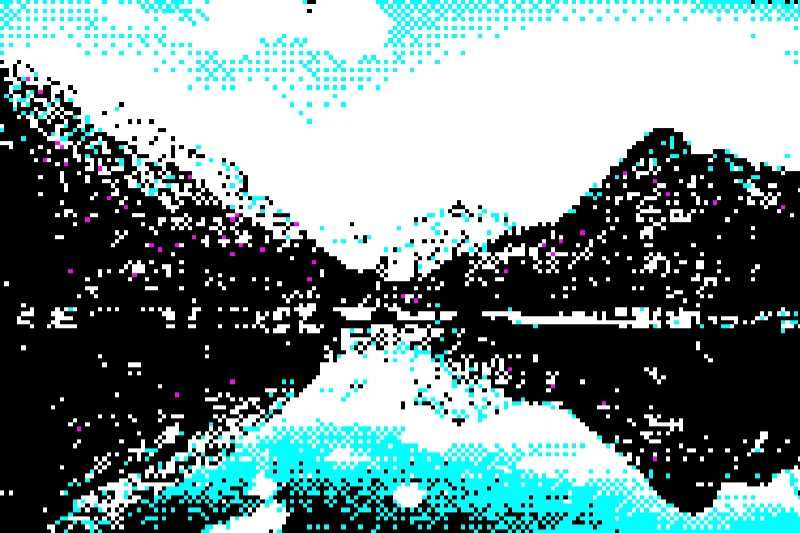
CGA
Map a pixelated image to a black, white, cyan, and magenta retro-computer palette.
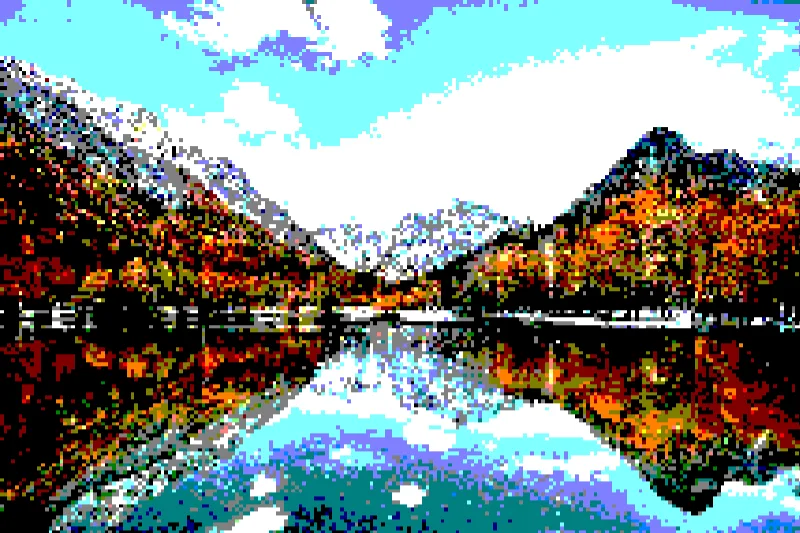
EGA
Quantize image color channels into a coarse retro-computer palette with square pixel sampling.
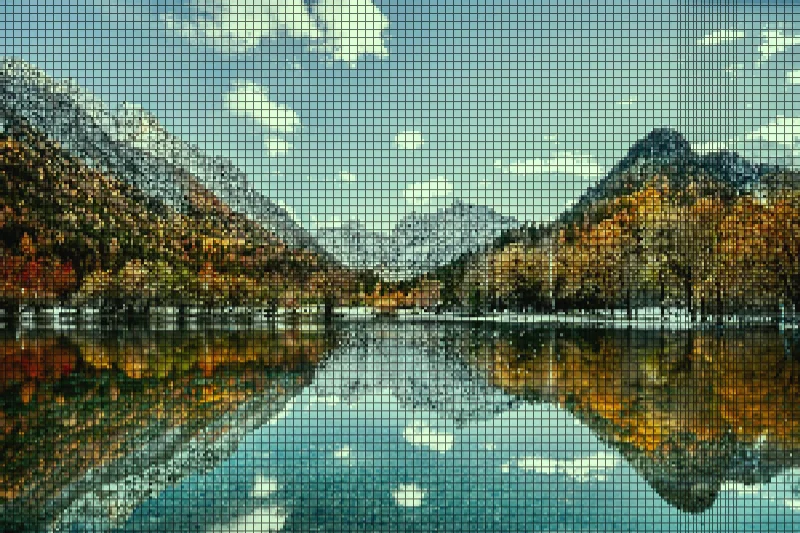
LCD
Rebuild the image as a pixel display with a visible grid and a slight green screen tint.
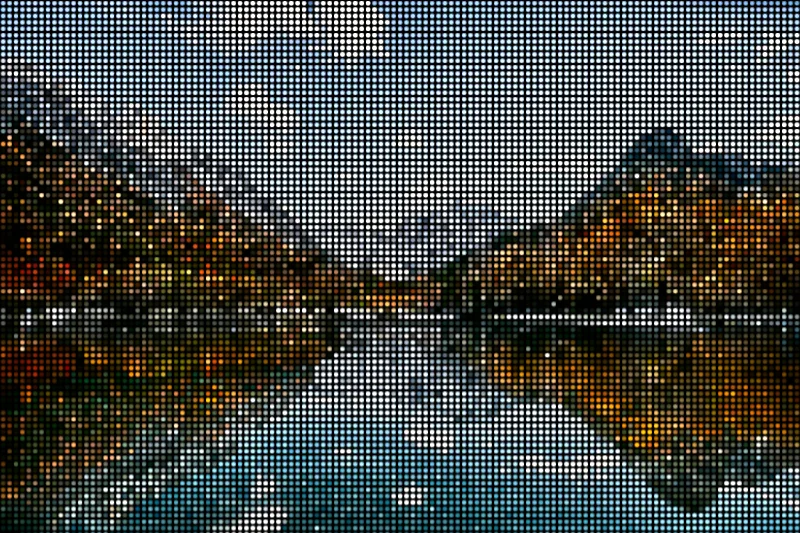
LED wall
Turn a photo into a wall of circular illuminated pixels on a dark background.
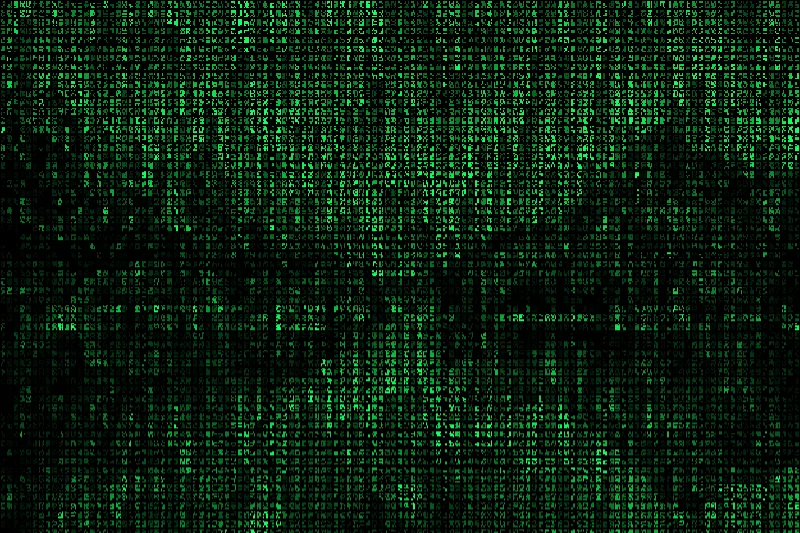
Matrix rain
Translate image brightness into green glyph-like marks arranged in vertical columns.
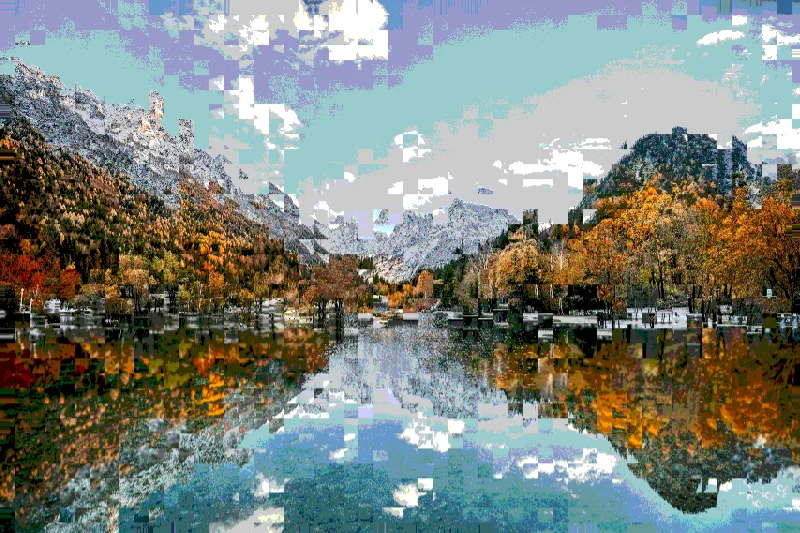
Datamosh
Displace blocks of an image and reduce colors for a datamosh-inspired still-image glitch.
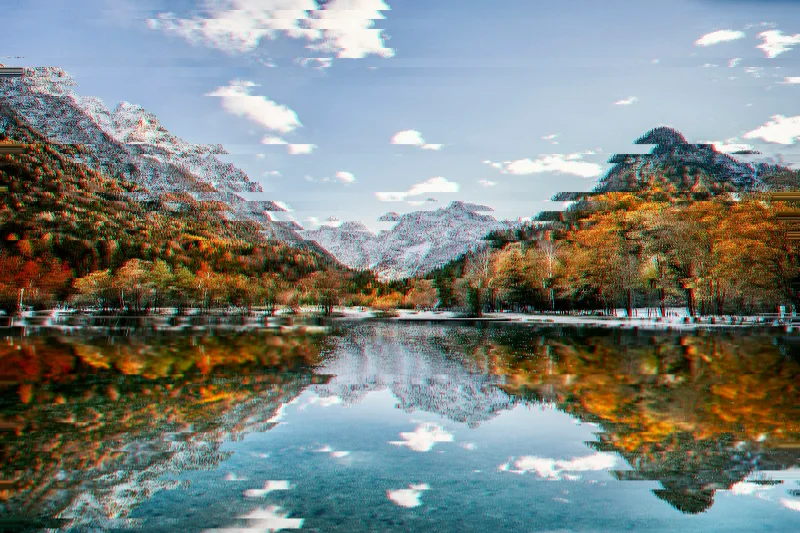
Glitch slices
Shift horizontal image bands and split their red channel for a sliced digital glitch.
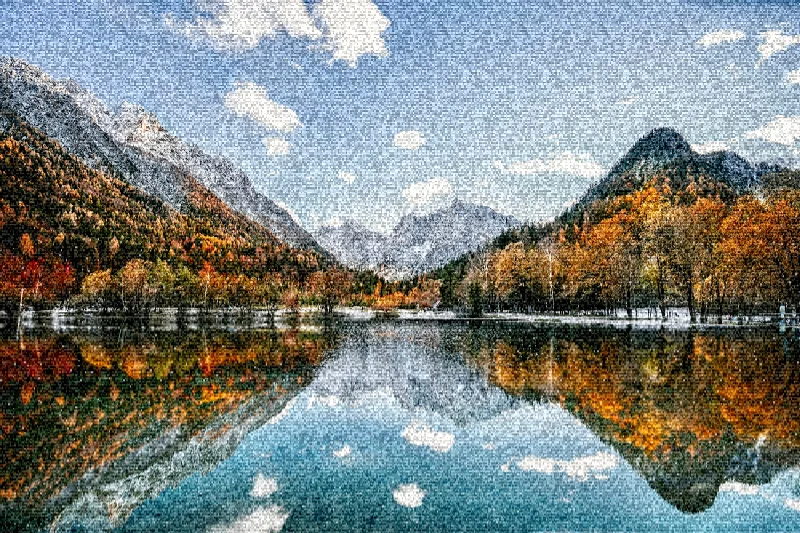
Signal noise
Overlay a still image with grain-like signal noise, line interference, and occasional bright specks.
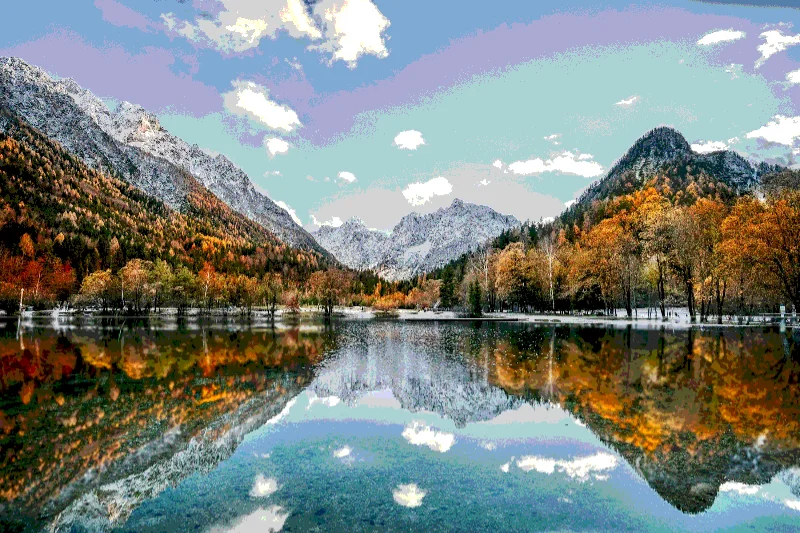
Posterize
Reduce a photo to a limited number of discrete color levels for flat, graphic regions.
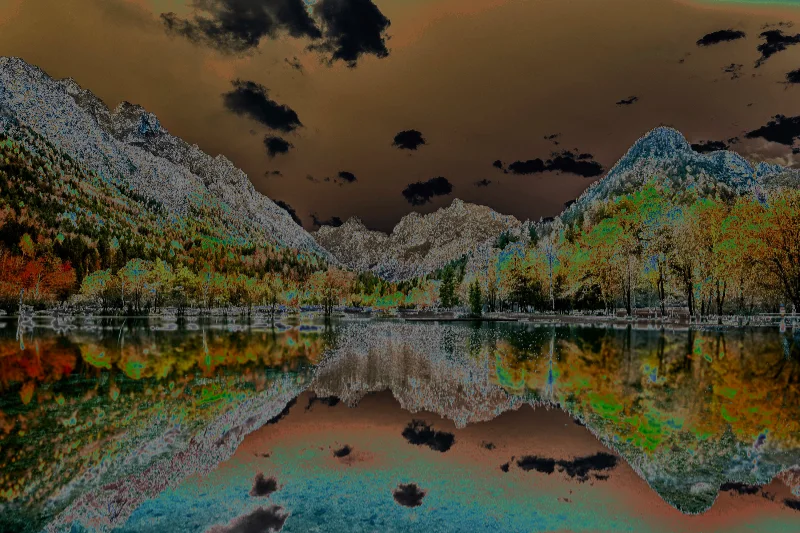
Solarize
Invert color values above an adjustable threshold to create a solarized photograph.
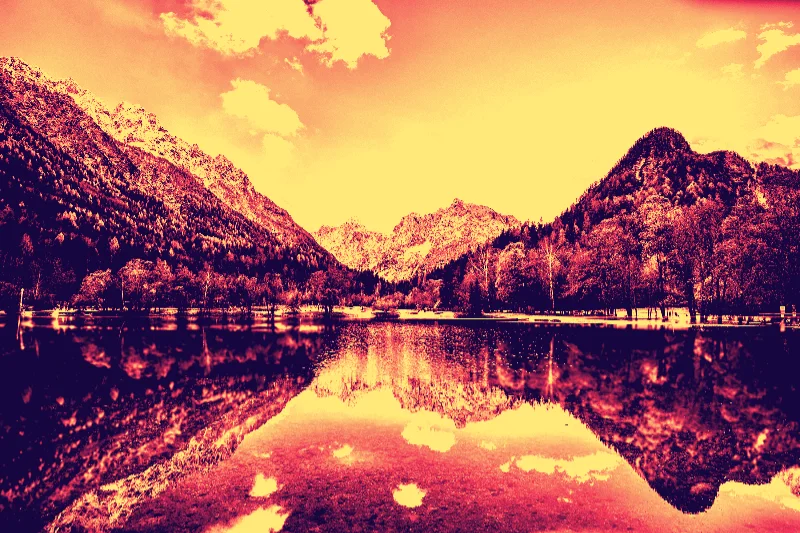
Sunset map
Map image brightness through a purple, coral, and yellow sunset gradient.
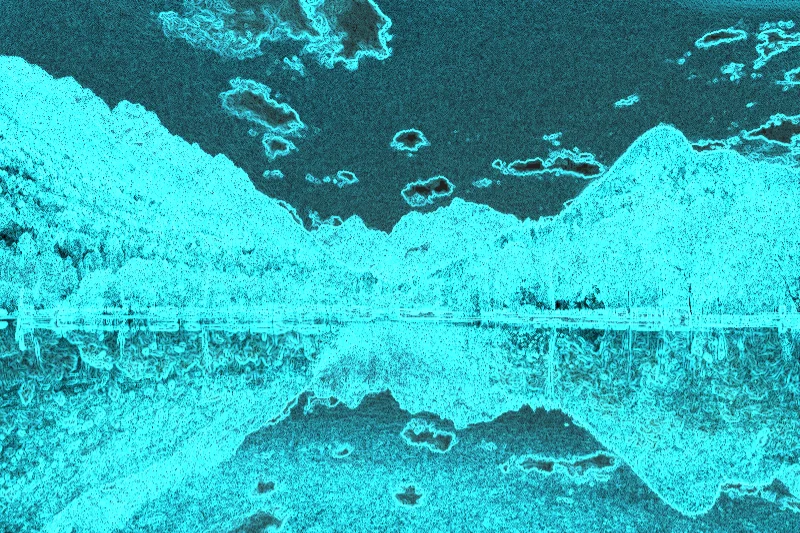
Edge glow
Trace image contours with cyan light over a darkened version of the photograph.
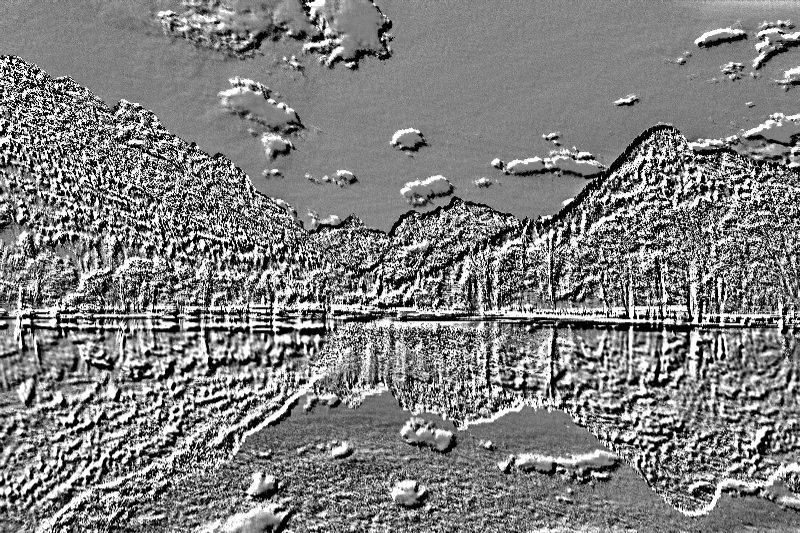
Emboss
Turn directional differences in image brightness into a gray embossed surface.
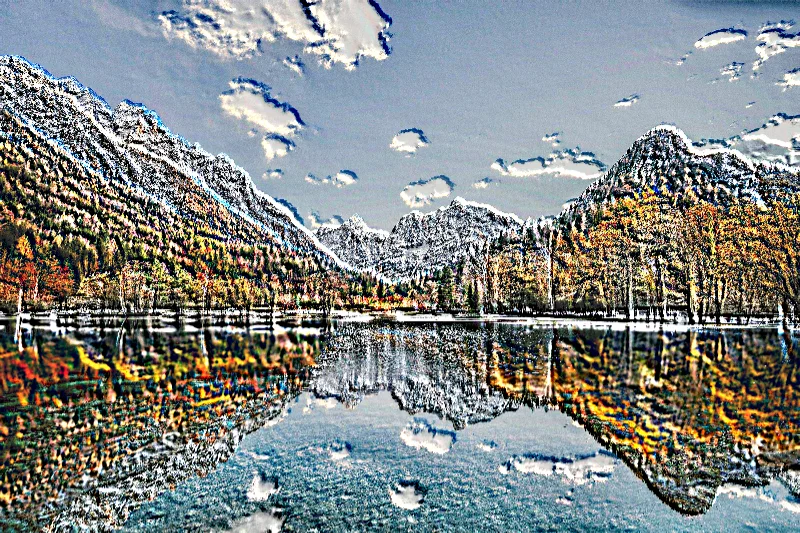
Color relief
Add directional raised-edge shading while retaining part of the photograph's color.
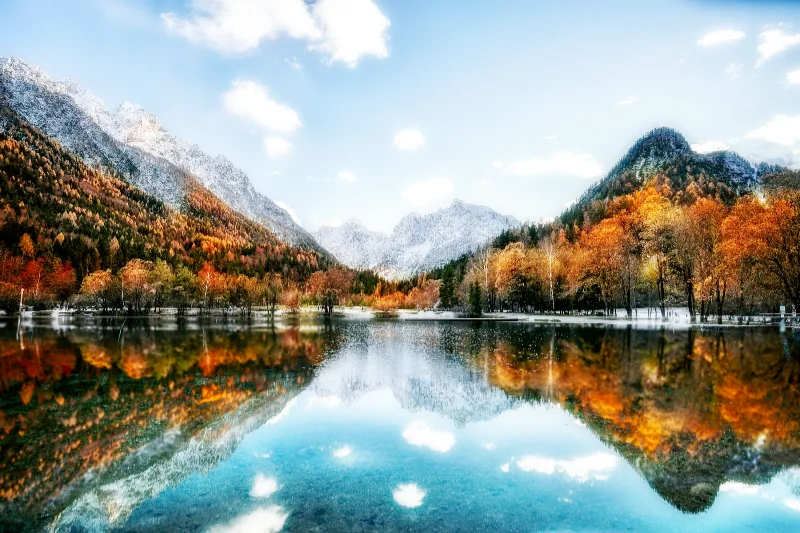
Bloom
Spread bright image regions into a soft photographic glow while keeping the source underneath.
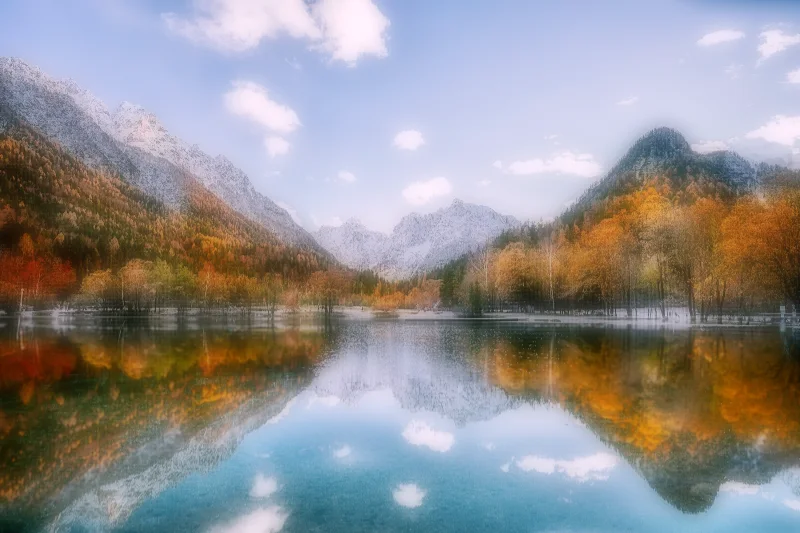
Dream glow
Blend a softened image with luminous color for a diffuse, dreamlike photographic finish.
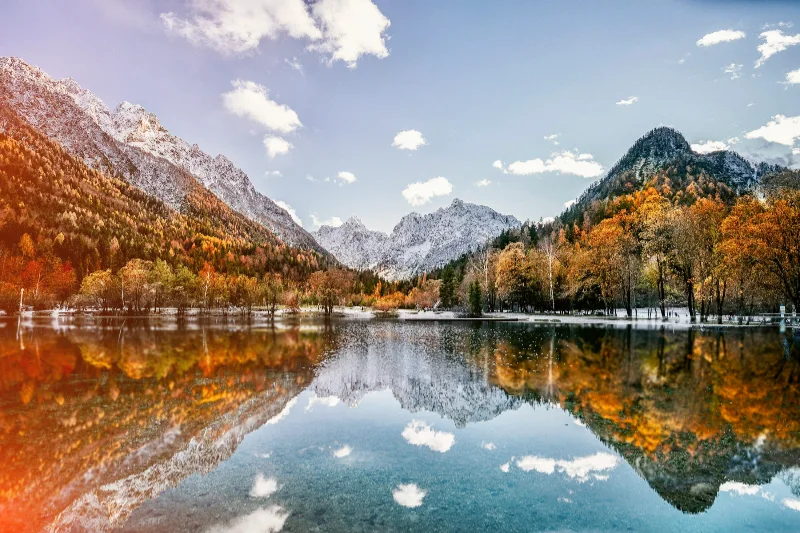
Light leak
Overlay warm, uneven light entering from the image's left side for a film-leak-inspired look.
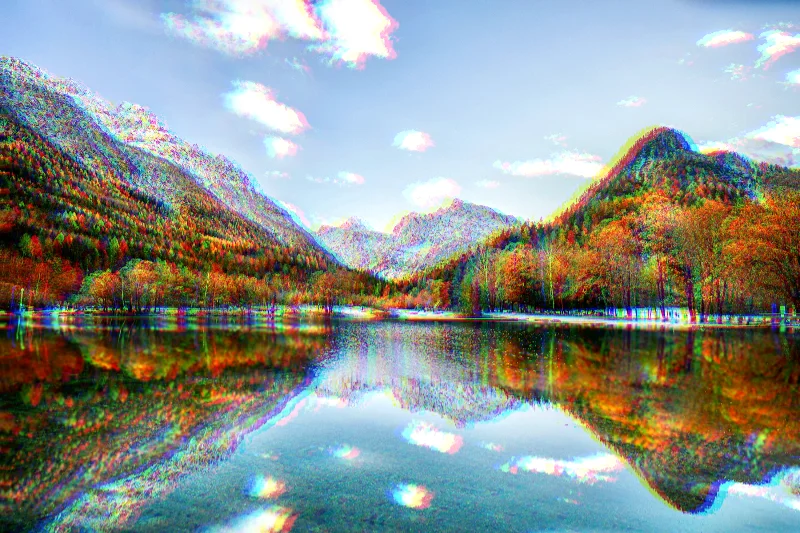
Prism trails
Offset red and blue image samples in opposite directions to create colored prism trails.
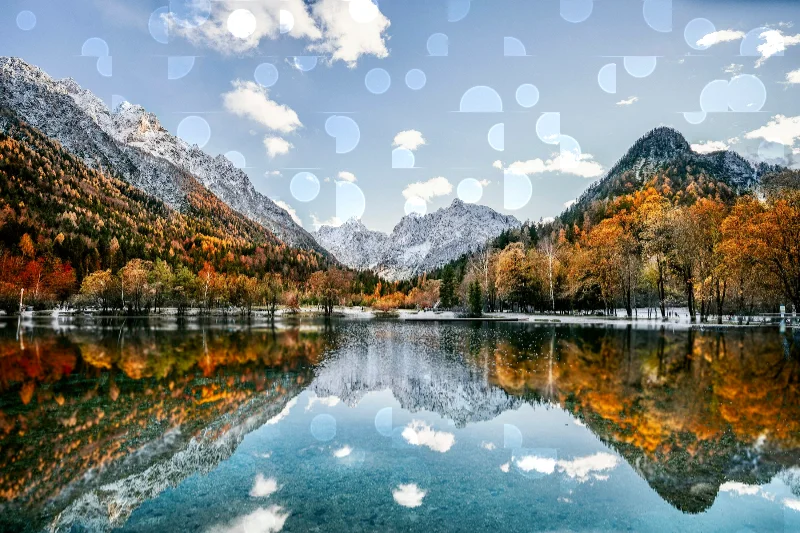
Bokeh veil
Add translucent highlight discs and rings sampled from brighter parts of the photograph.
Distort
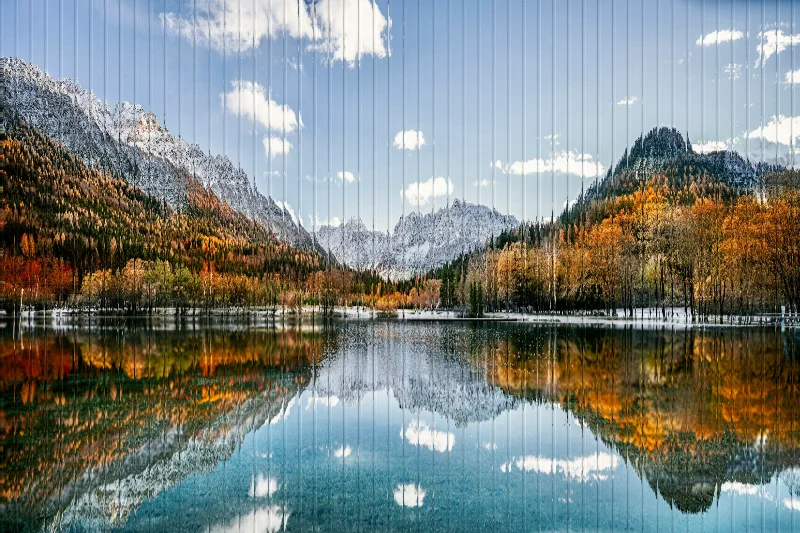
Ribbed glass
Refract an image through repeated glass-like ribs with adjustable width and direction.
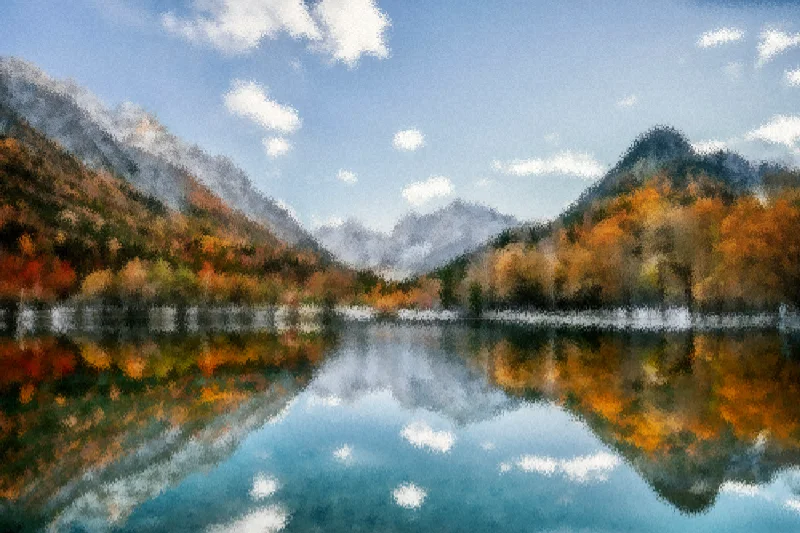
Frosted glass
Scatter and soften a photograph to suggest textured frosted glass.
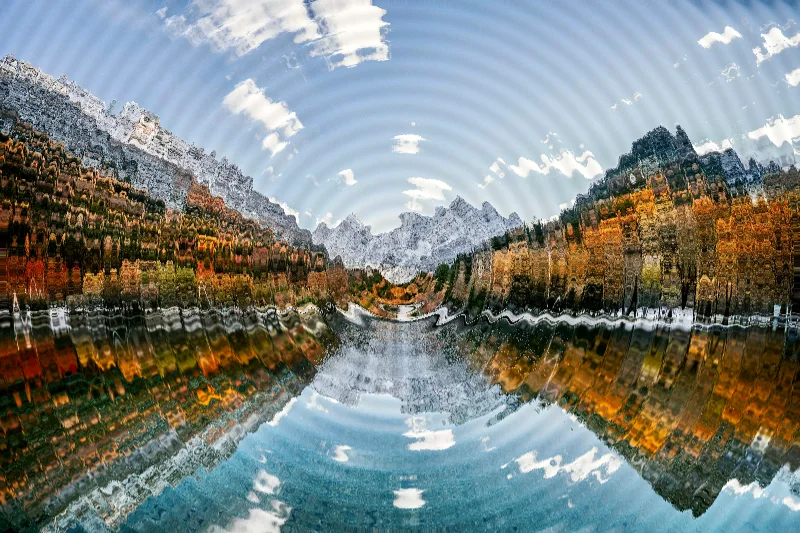
Ripple
Distort a still image with concentric waves around an adjustable center.
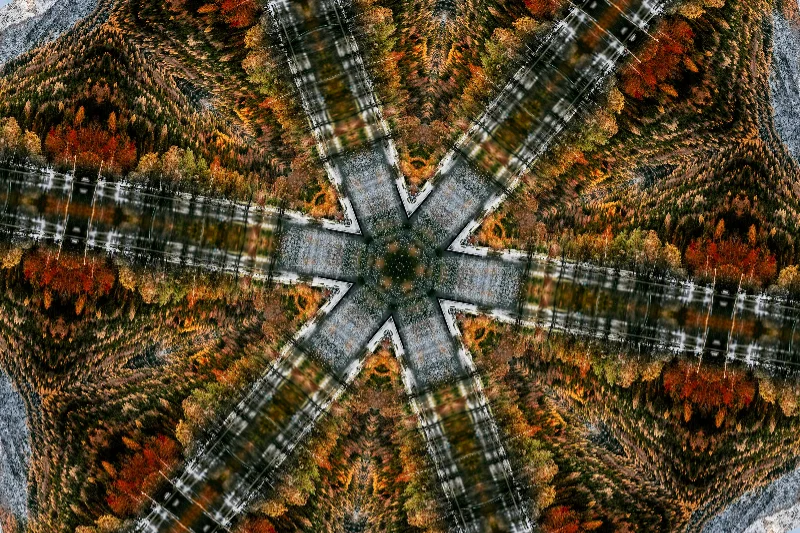
Kaleidoscope
Reflect sections of a photo into a radial kaleidoscope with repeated mirror segments.
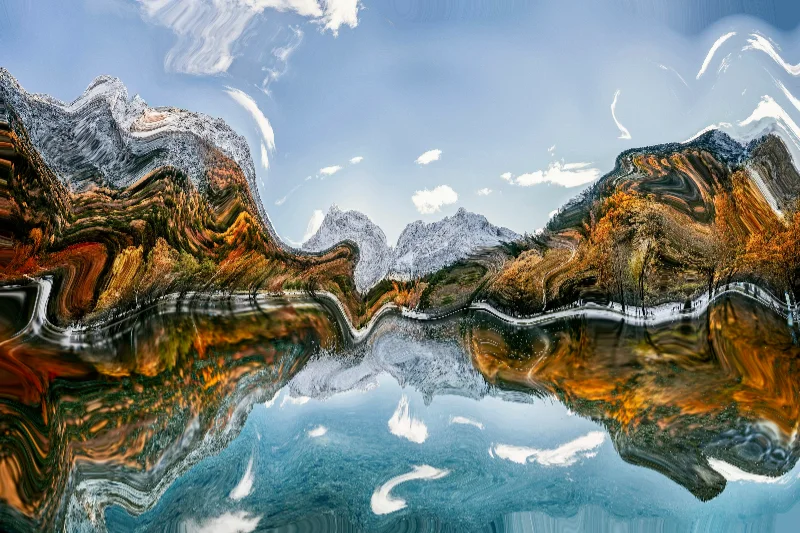
Liquid warp
Warp an image with a flowing displacement field for a melted or fluid surface effect.
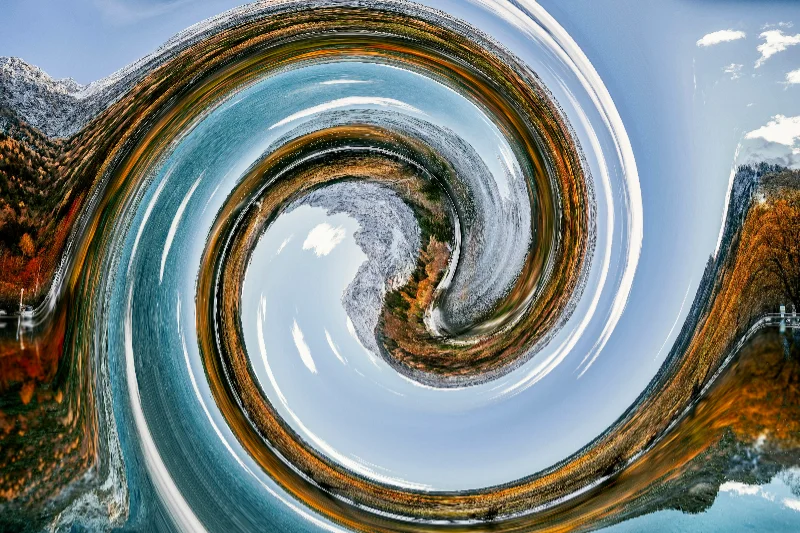
Swirl
Twist the center of a photograph into a circular swirl while preserving more of the outer image.
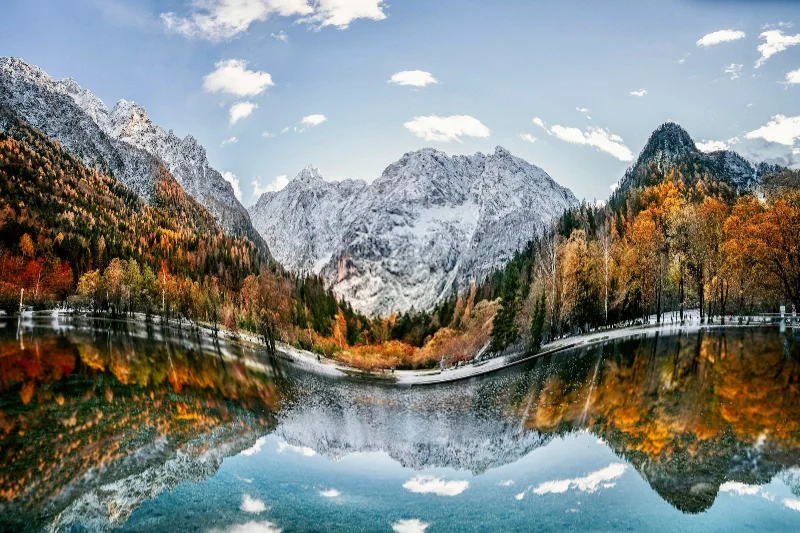
Bulge
Magnify the central region of a photograph with a rounded outward bulge.
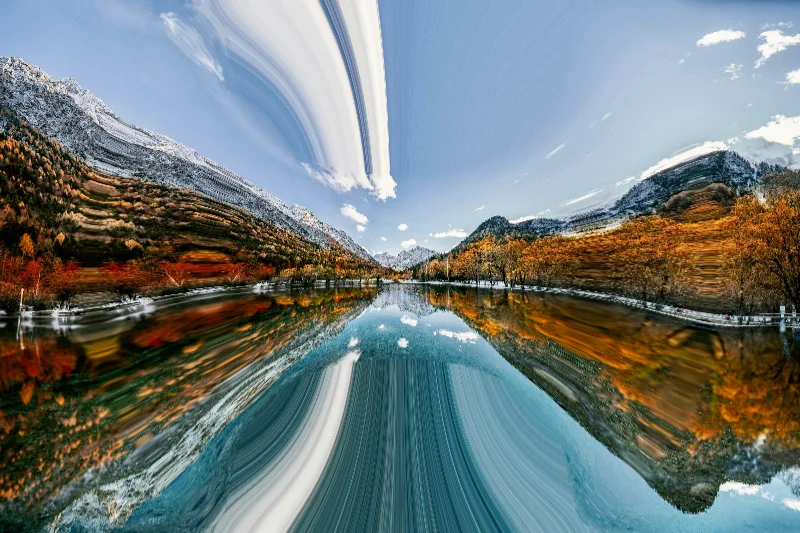
Pinch
Pull the center of a photo inward for a concentrated, pinched distortion.
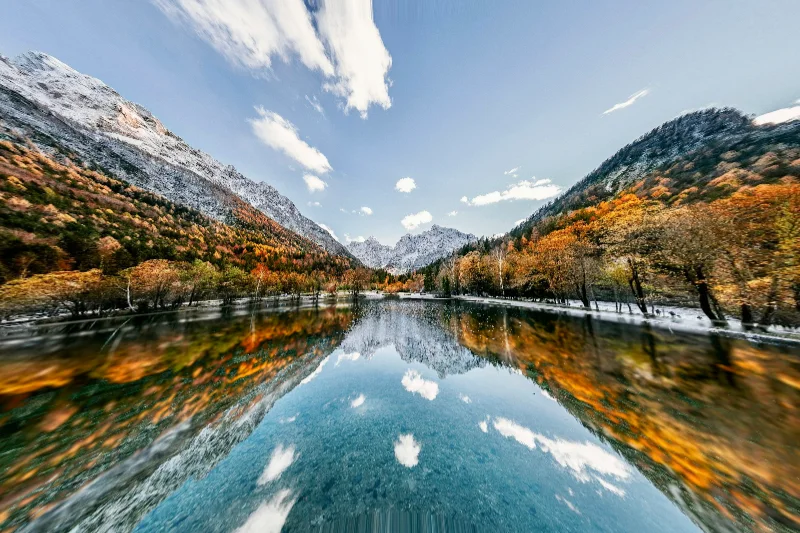
Fisheye
Remap the image radially for a curved, wide-angle-inspired fisheye effect.
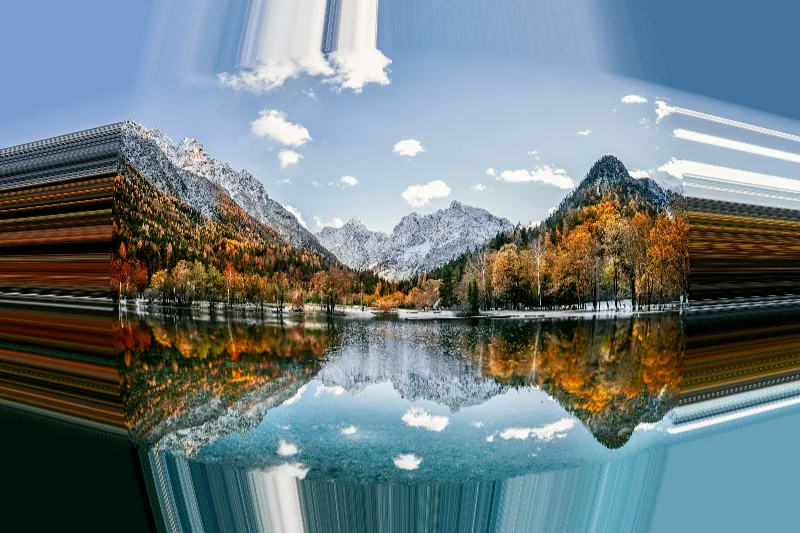
Barrel lens
Apply a radial barrel-lens-inspired distortion that bends straight lines around the image center.
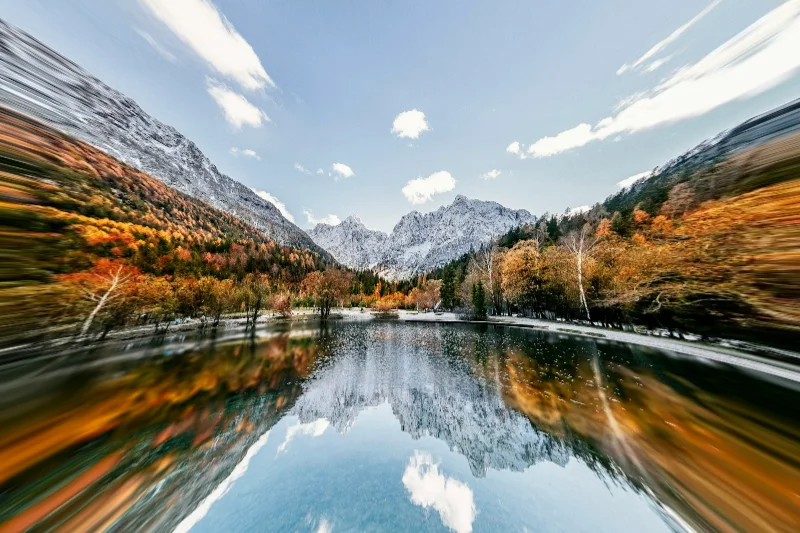
Pincushion
Warp an image with a pincushion-style radial mapping around its center.
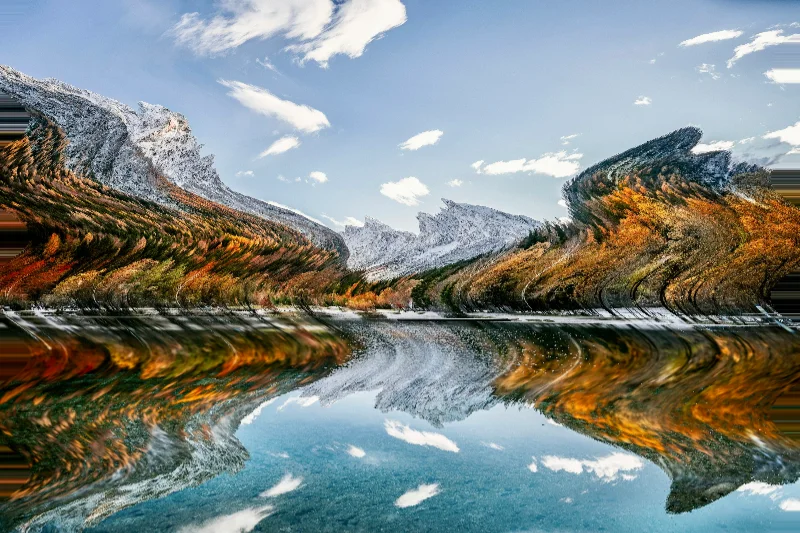
Sine wave
Shift image rows along a smooth repeating wave to create a wavy photographic distortion.
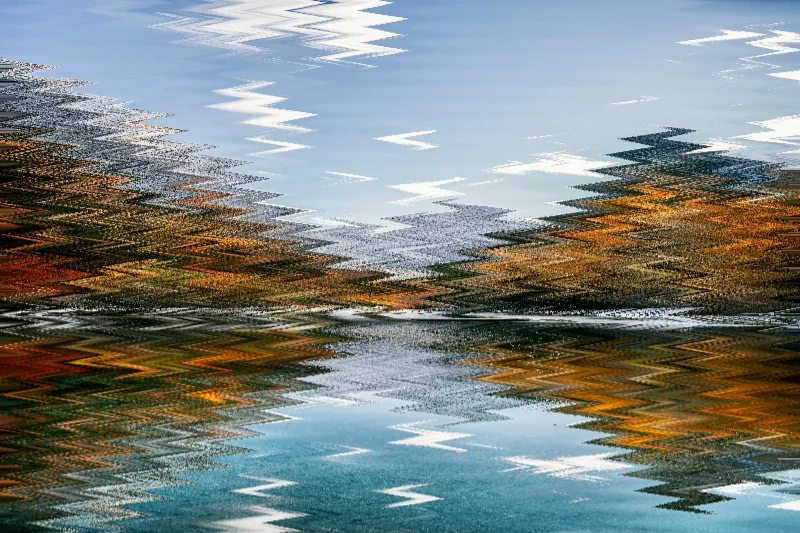
Zigzag
Offset image rows with a repeating angular wave for a zigzag distortion.
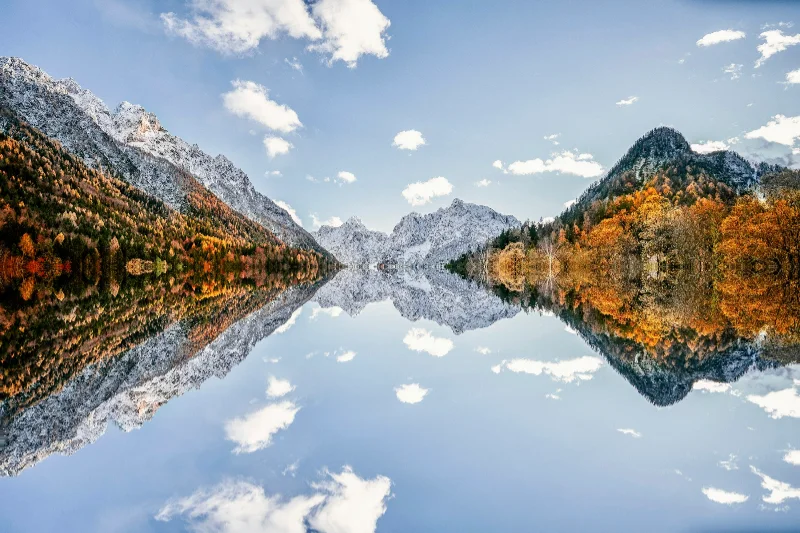
Water reflection
Reflect part of a photograph across a horizontal center line with ripples in the reflected region.
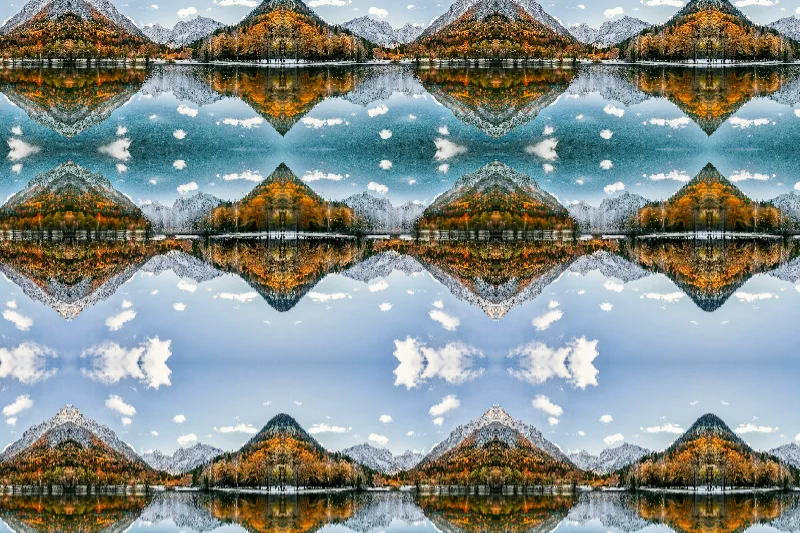
Mirror tiles
Repeat and reflect source fragments into a tiled geometric composition.
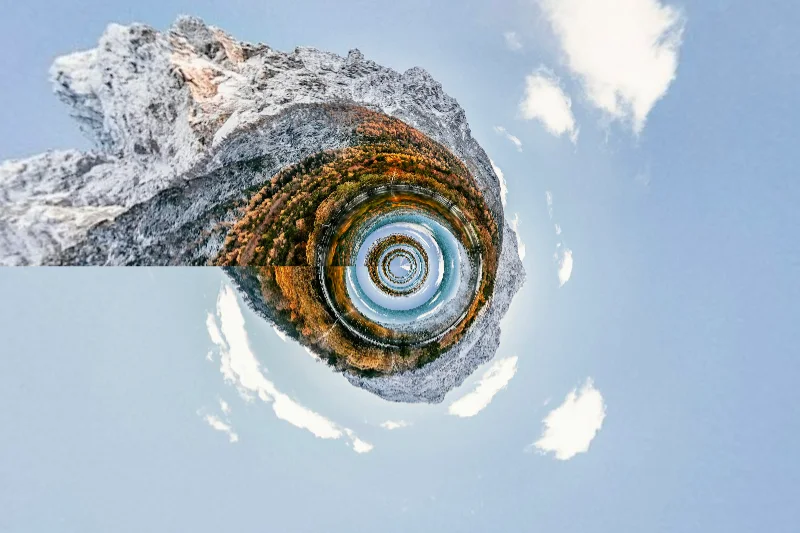
Polar tunnel
Wrap a photograph into a polar tunnel with repeated depth-like bands around the center.
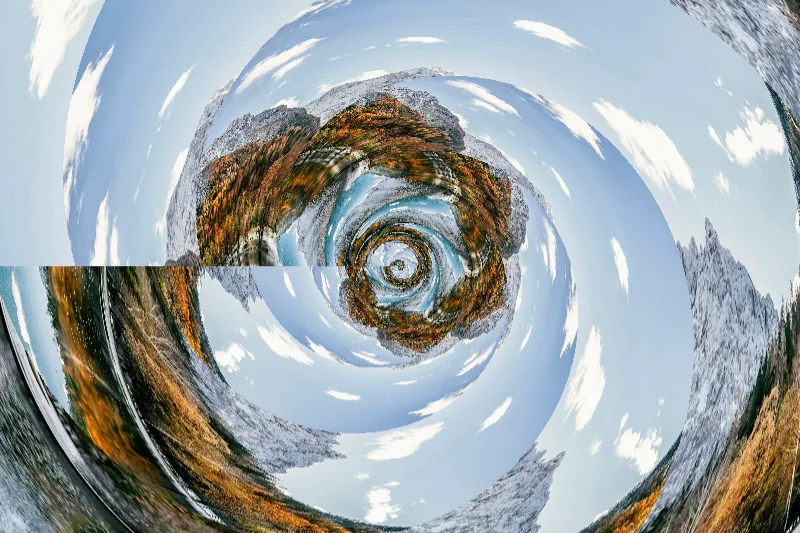
Droste
Remap image fragments into a repeating spiral for a Droste-inspired recursive pattern.
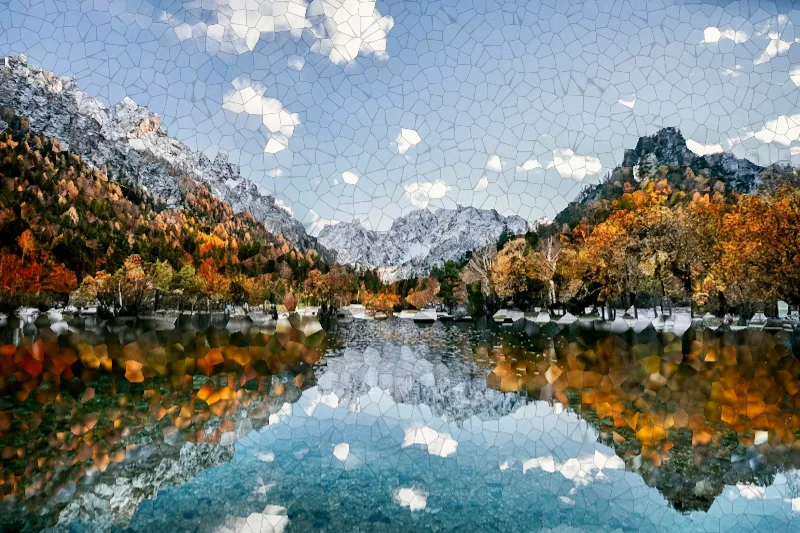
Voronoi glass
Refract an image into irregular glass-like cells with darkened boundaries.
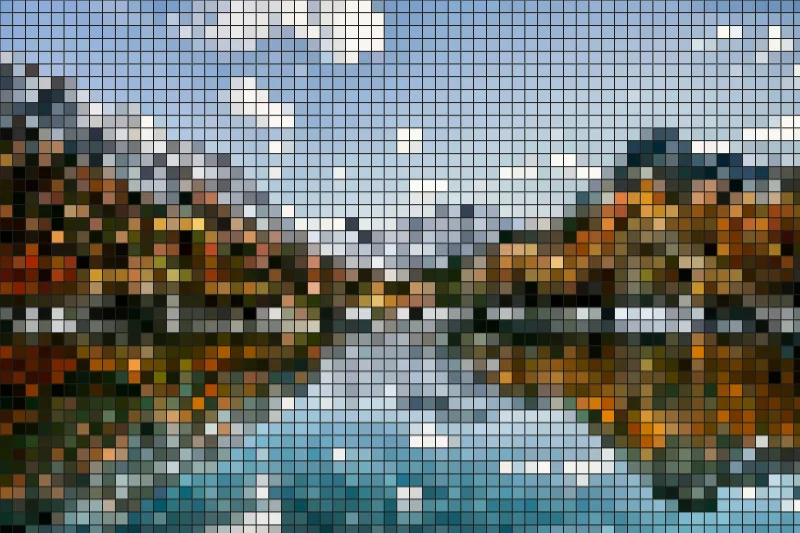
Tile mosaic
Rebuild a photo from square sampled tiles separated by dark grout.
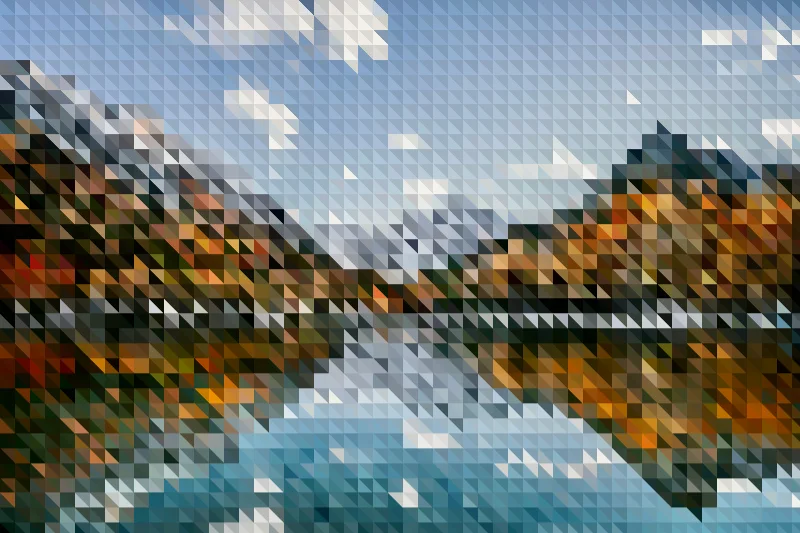
Triangle mosaic
Sample image colors into paired triangular facets with alternating shading.
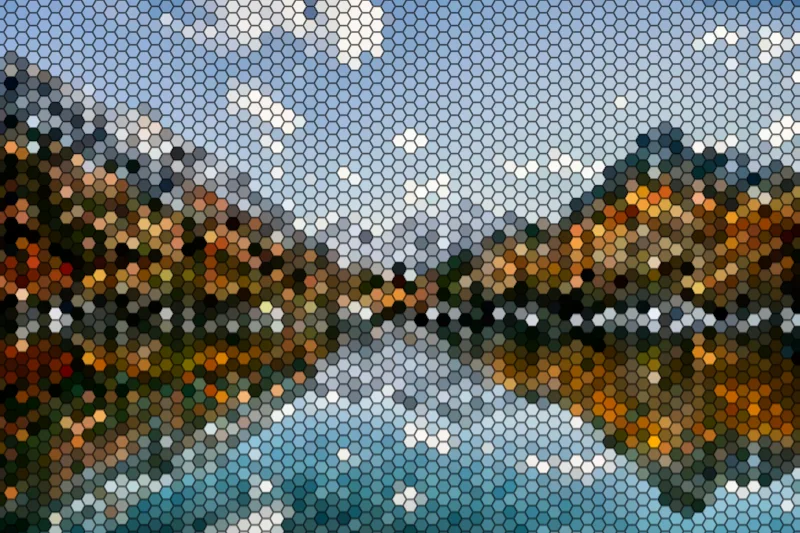
Honeycomb
Arrange sampled image colors into a honeycomb pattern with visible cell edges.