Free Solarize Photo Effect
Invert color values above an adjustable threshold to create a solarized photograph.
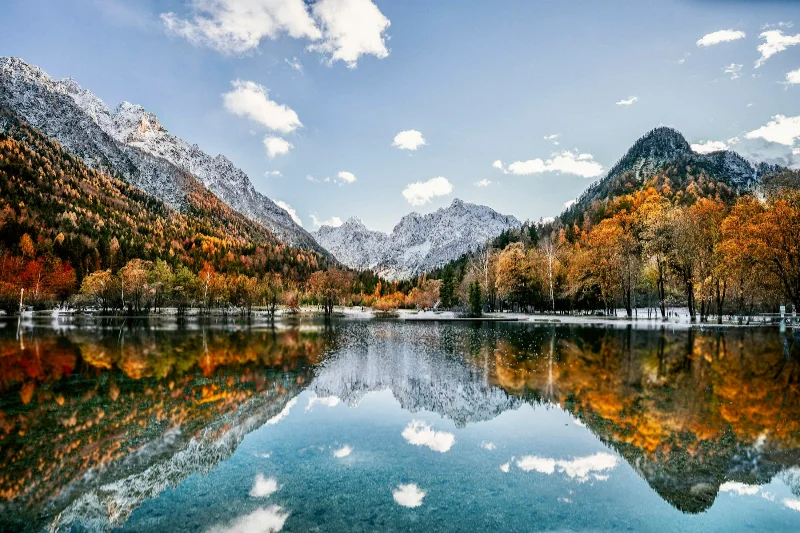
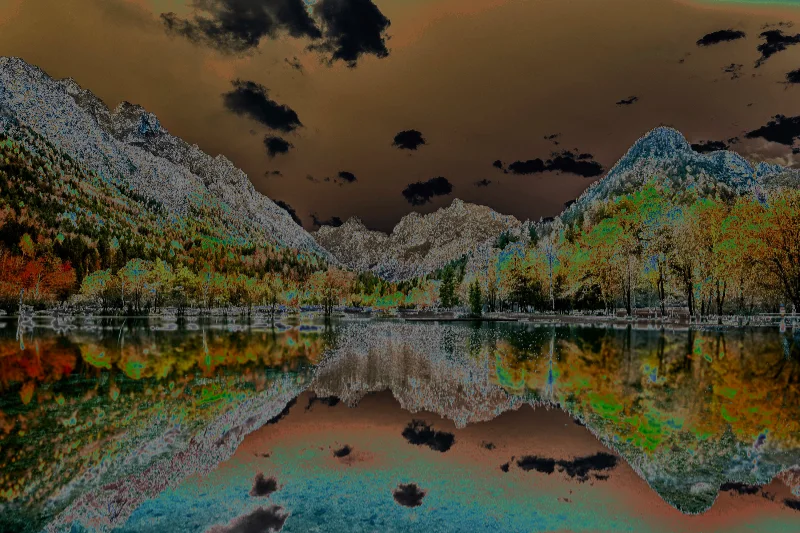
Examples use the bundled photograph by Michal Janek. Photo credit and license. Open your own image above to edit it locally.
How to apply Solarize
- Open your photo in the editor above. Solarize is already selected, and the sample is ready to try.
- Adjust Strength, Threshold in the Effect tab. You can drag sliders or type validated numbers directly.
- Hold Original or Space to compare. Add a crop or frame if needed, then choose Export to download the finished image.
Getting the look
Threshold moves the boundary between normal and inverted tones. Small adjustments can change large highlight regions, so watch the brightest parts of the image.
Solarize controls
- Strength
- 0–100%. Starting setting: 100%.
- Threshold
- 0–100%. Starting setting: 55%.
Reset effect settings restores these defaults. Save a preset to reuse your own effect and frame combination on another image.
Files and export
Open a PNG, JPEG, or WebP with the file picker, drag-and-drop, or clipboard paste. All image processing happens on your device. Choose PNG or WebP to preserve transparency, or JPEG to flatten it onto a color. Exports use the original image resolution plus the frame unless you choose a smaller size.
A modern browser with WebGL2 is required. Browser and GPU limits can prevent very large exports; picshader explains the limit and offers a smaller size. No account or watermark is required.