Free Datamosh Photo Effect
Displace blocks of an image and reduce colors for a datamosh-inspired still-image glitch.
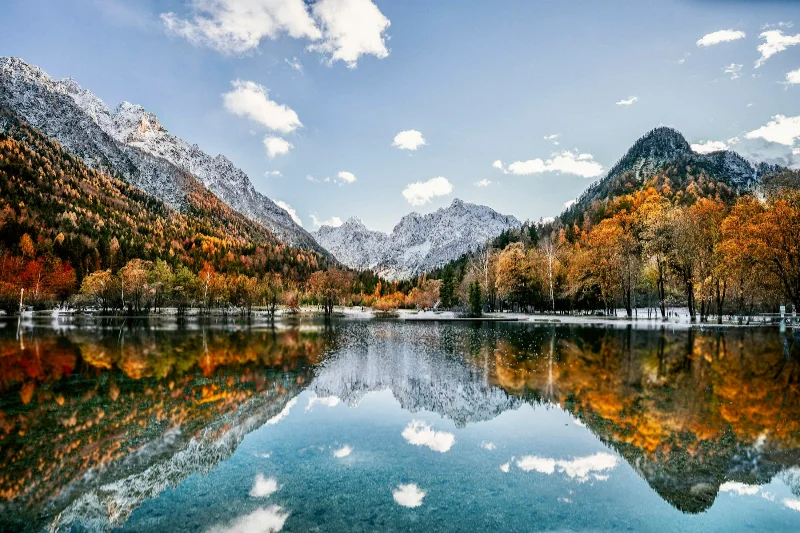
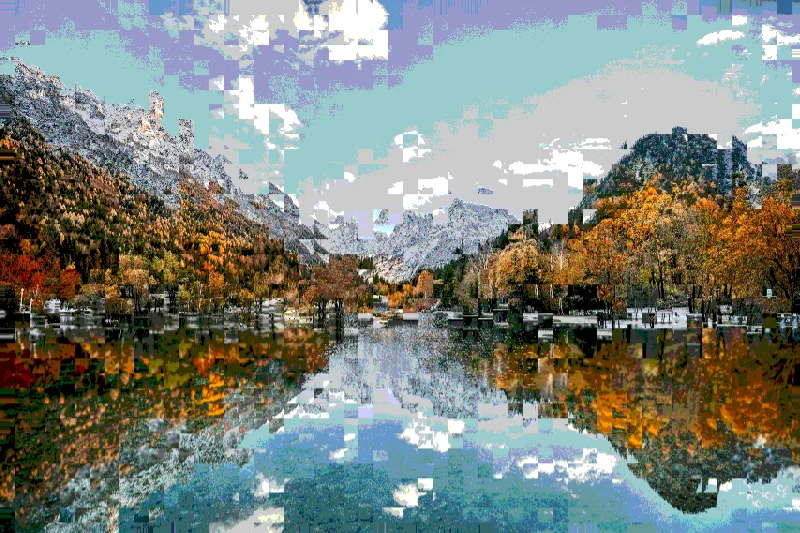
Examples use the bundled photograph by Michal Janek. Photo credit and license. Open your own image above to edit it locally.
How to apply Datamosh
- Open your photo in the editor above. Datamosh is already selected, and the sample is ready to try.
- Adjust Strength, Scale, Blocks in the Effect tab. You can drag sliders or type validated numbers directly.
- Hold Original or Space to compare. Add a crop or frame if needed, then choose Export to download the finished image.
Getting the look
Blocks controls displacement intensity, while Scale changes block dimensions. The tool simulates a visual style; it does not alter a video's compression data.
Datamosh controls
- Strength
- 0–100%. Starting setting: 100%.
- Scale
- 2–80. Starting setting: 28.
- Blocks
- 0–100%. Starting setting: 65%.
Reset effect settings restores these defaults. Save a preset to reuse your own effect and frame combination on another image.
Files and export
Open a PNG, JPEG, or WebP with the file picker, drag-and-drop, or clipboard paste. All image processing happens on your device. Choose PNG or WebP to preserve transparency, or JPEG to flatten it onto a color. Exports use the original image resolution plus the frame unless you choose a smaller size.
A modern browser with WebGL2 is required. Browser and GPU limits can prevent very large exports; picshader explains the limit and offers a smaller size. No account or watermark is required.