Round Image Corners Online for Free
Give a photo rounded corners with adjustable radius, optional borders, and transparent output.
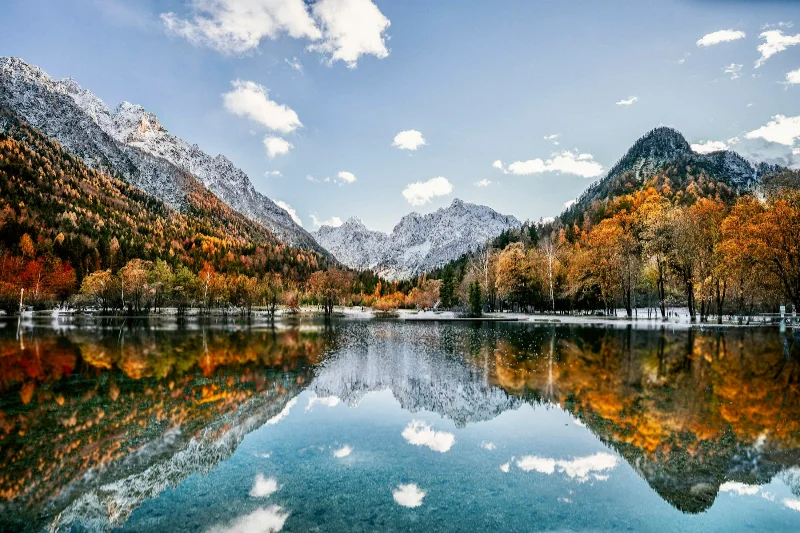
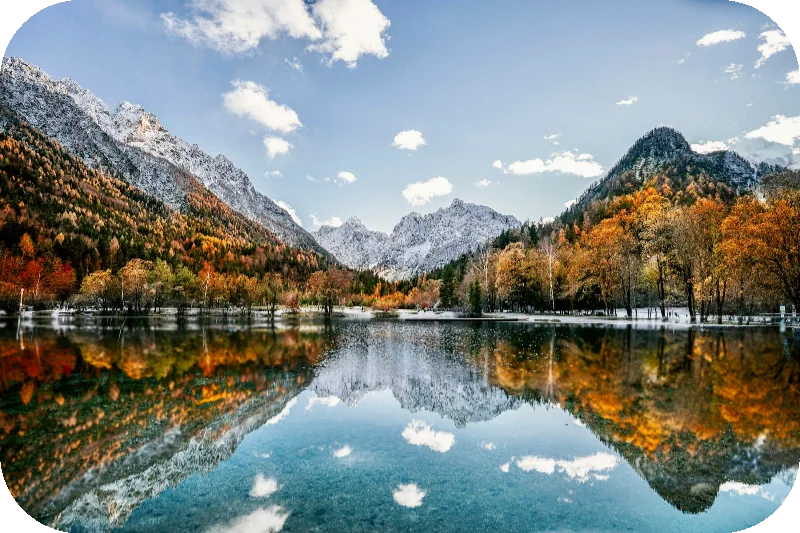
Examples use the bundled photograph by Michal Janek. Photo credit and license. Open your own image above to edit it locally.
How to use rounded corners
- Open your photo and select Frame → Border. This page starts with rounded corners applied to the sample.
- Adjust Rounded corners or type a value. Add a border if needed; it follows the rounded shape.
- Keep Transparent enabled and export PNG or WebP for clear corners. Use a solid background when you want the corners filled.
What to know
Corner radius is relative to the cropped image's shorter side and is capped by its geometry. The tool produces a raster image, not a CSS border-radius rule.
Files and export
Open a PNG, JPEG, or WebP with the file picker, drag-and-drop, or clipboard paste. All image processing happens on your device. Choose PNG or WebP to preserve transparency, or JPEG to flatten it onto a color. Exports use the original image resolution plus the frame unless you choose a smaller size.
A modern browser with WebGL2 is required. Browser and GPU limits can prevent very large exports; picshader explains the limit and offers a smaller size. No account or watermark is required.