Convert and Export Images as WebP Online
Save an edited image in WebP format, including transparent corners, padding, and shadows.
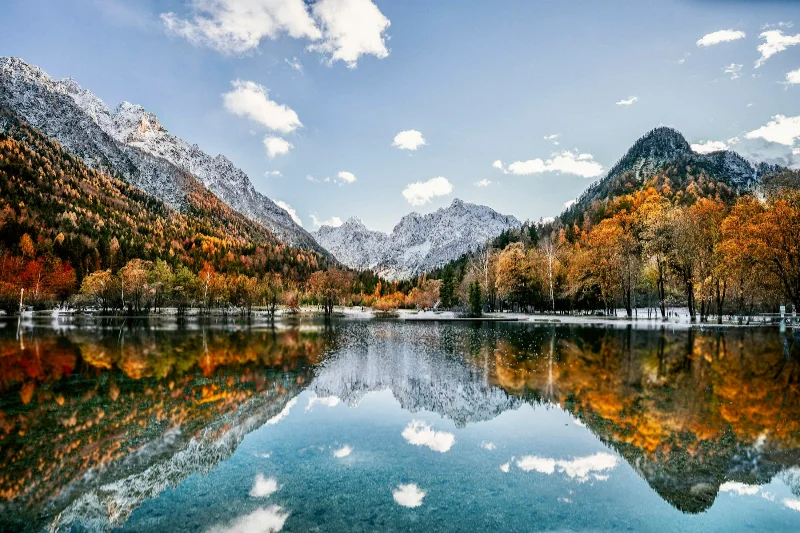
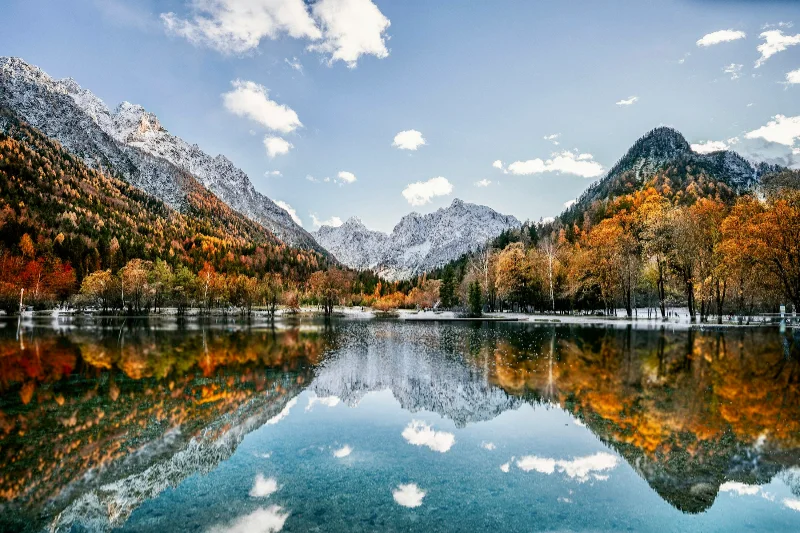
Examples use the bundled photograph by Michal Janek. Photo credit and license. Open your own image above to edit it locally.
How to use webp export
- Open a PNG, JPEG, or WebP, then make your image adjustments.
- Choose WebP in Export and review the final dimensions. Keep Transparent checked in Frame if alpha should remain in the result.
- Select Download WebP. Use a smaller output size only when you want to reduce the image dimensions.
What to know
WebP uses the browser's encoder at quality 0.94. If encoding is unsupported, the app reports it rather than downloading a PNG with a misleading WebP filename.
Files and export
Open a PNG, JPEG, or WebP with the file picker, drag-and-drop, or clipboard paste. All image processing happens on your device. Choose PNG or WebP to preserve transparency, or JPEG to flatten it onto a color. Exports use the original image resolution plus the frame unless you choose a smaller size.
A modern browser with WebGL2 is required. Browser and GPU limits can prevent very large exports; picshader explains the limit and offers a smaller size. No account or watermark is required.